12.4 Change and Disable Password
A password is required to enter a setting with a lock icon ( ).
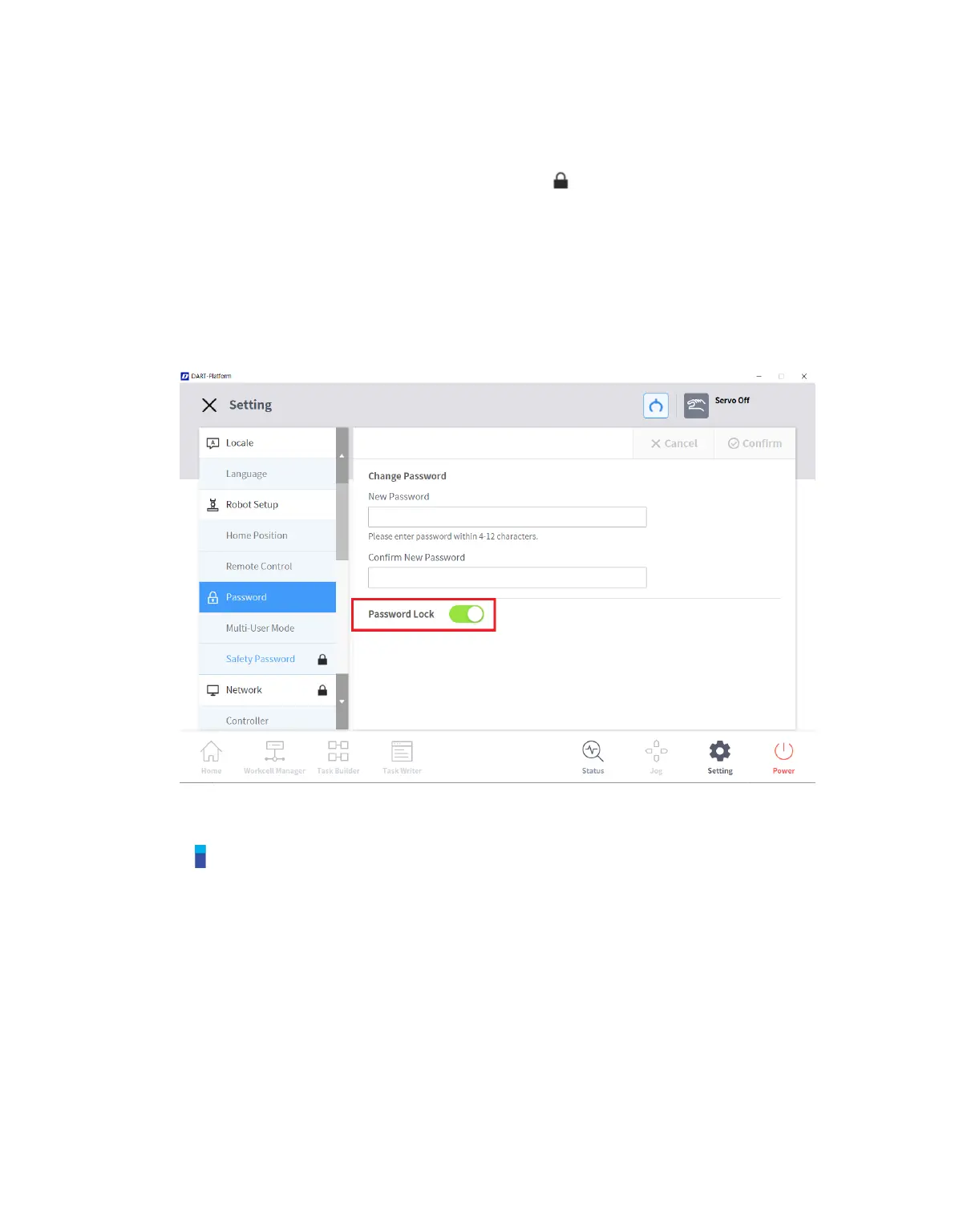
To change or disable the password of settings with a lock icon, follow these steps:
1 Select Password > Safety Password in the Settings menu.
2 Enter the current password of the program and tap the Confirm button.
The initial system password is admin.
To disable the password, tap the Password Lock button and disable.
3 Tap the Confirm button.
Note
If the user forgets the password, the system must perform factory reset.
Even if the password lock is disabled, rebooting the system will enable password lock.



 To Next Page