8.6.4 Blending Mode Setting
This is a function to move smoothly to the next target point if a specific condition is satisfied without
stopping when the target point (waypoint) of the current motion command is reached.
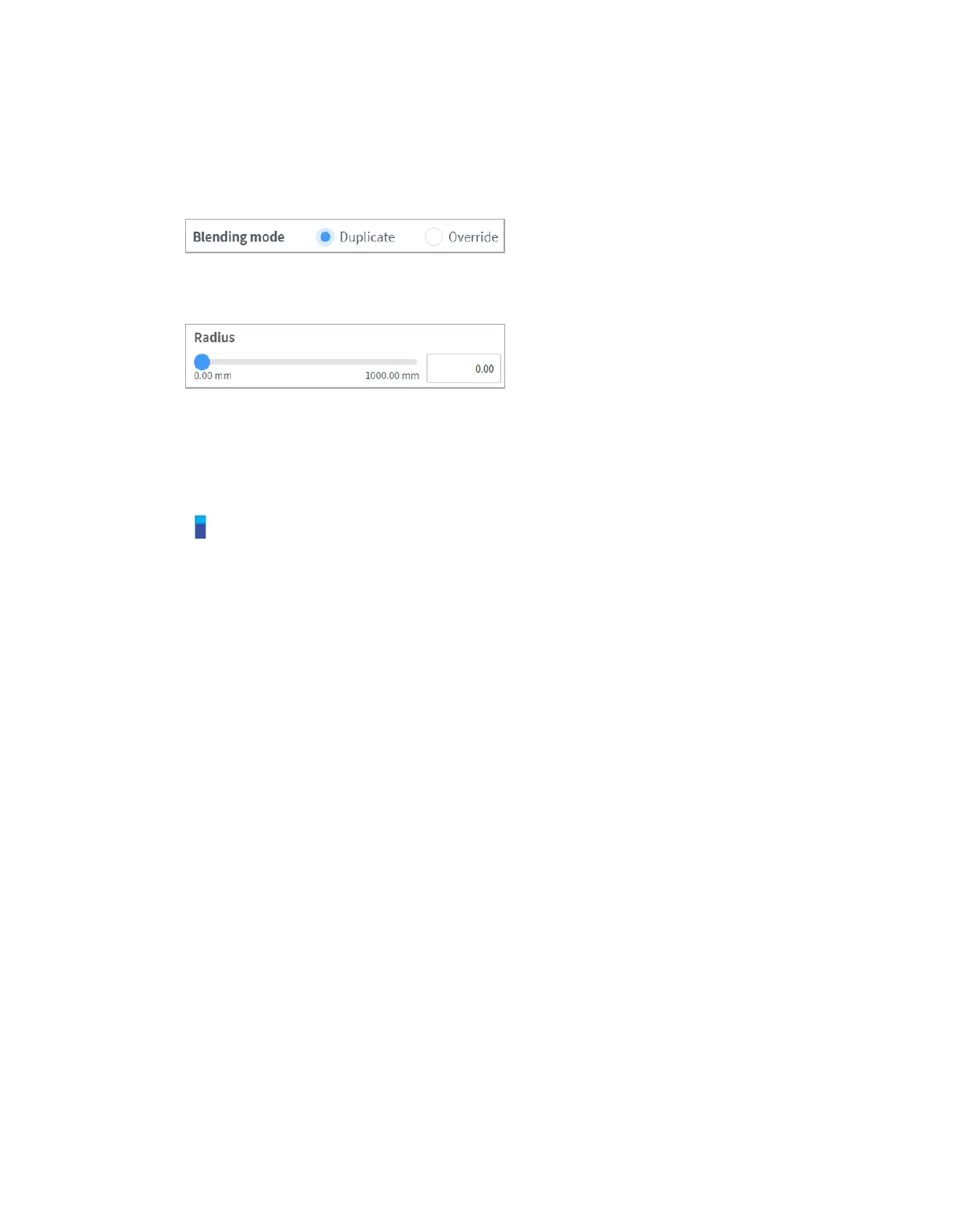
If the radius is set to 0, the motion blending function does not activate. So, if the robot reaches the
target point of the current command, it stops and then moves to the target point of the next motion
command.
Overlap: When the robot reaches the set radius centering the target point of the motion command, it
retains the speed of the current command and moves to the target point of the next command.
Override: When the robot reaches the set radius centering the target point of the motion command, it
immediately reduces the speed of the current command and moves to the target point of the next
command.
Note
If a skill is added or TCP setting performed on the command block that follows the blending
radius setting or if compliance control for force control is used, an error may occur during
execution. However, the blending motion is available if all options (toggle buttons) except for
approach pose/retract pose are disabled when a skill is added.



 To Next Page