8.8 Execute Task Program
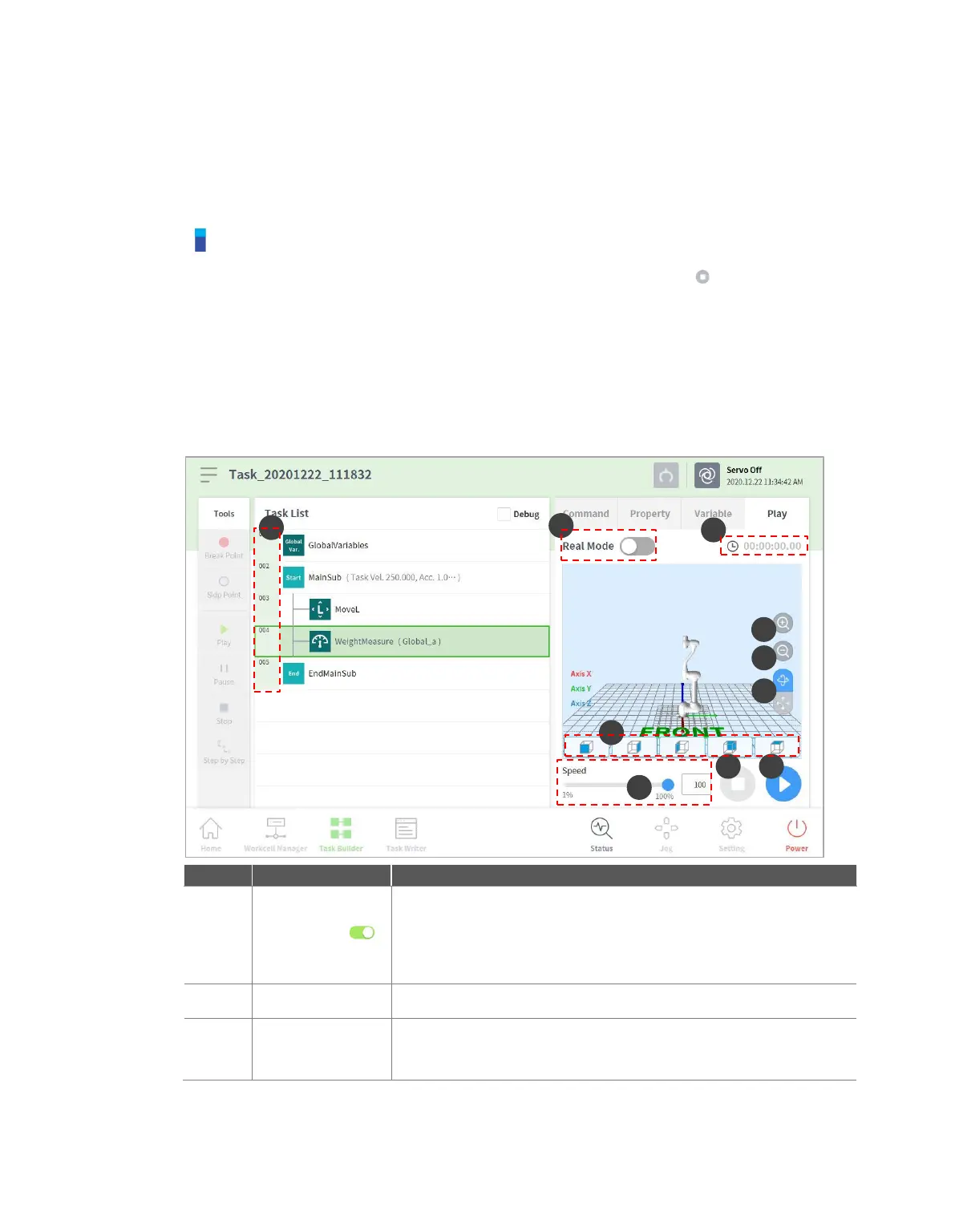
Provides descriptions of the play screen of Task Builder and screen configuration. The play screen
offers the function to priorly check robot motion by executing the task virtually.
Note
Before closing the simulator/robot, make sure to press the "stop" button ( ) to stop the motion
program.
Moving to the Play tab disengages manual mode and engages Auto mode.
When entering manual mode on the Play tab, go to the Command tab or Property tab before
moving to another menu.
8.8.1 Virtual mode screen
The virtual mode screen of Task Builder is structured as follows:
Sets the robot test play mode.
Real mode: Operates an actual robot to test the task in the
task list.
Virtual mode: Uses a simulator screen to test the task in
the task list.



 To Next Page