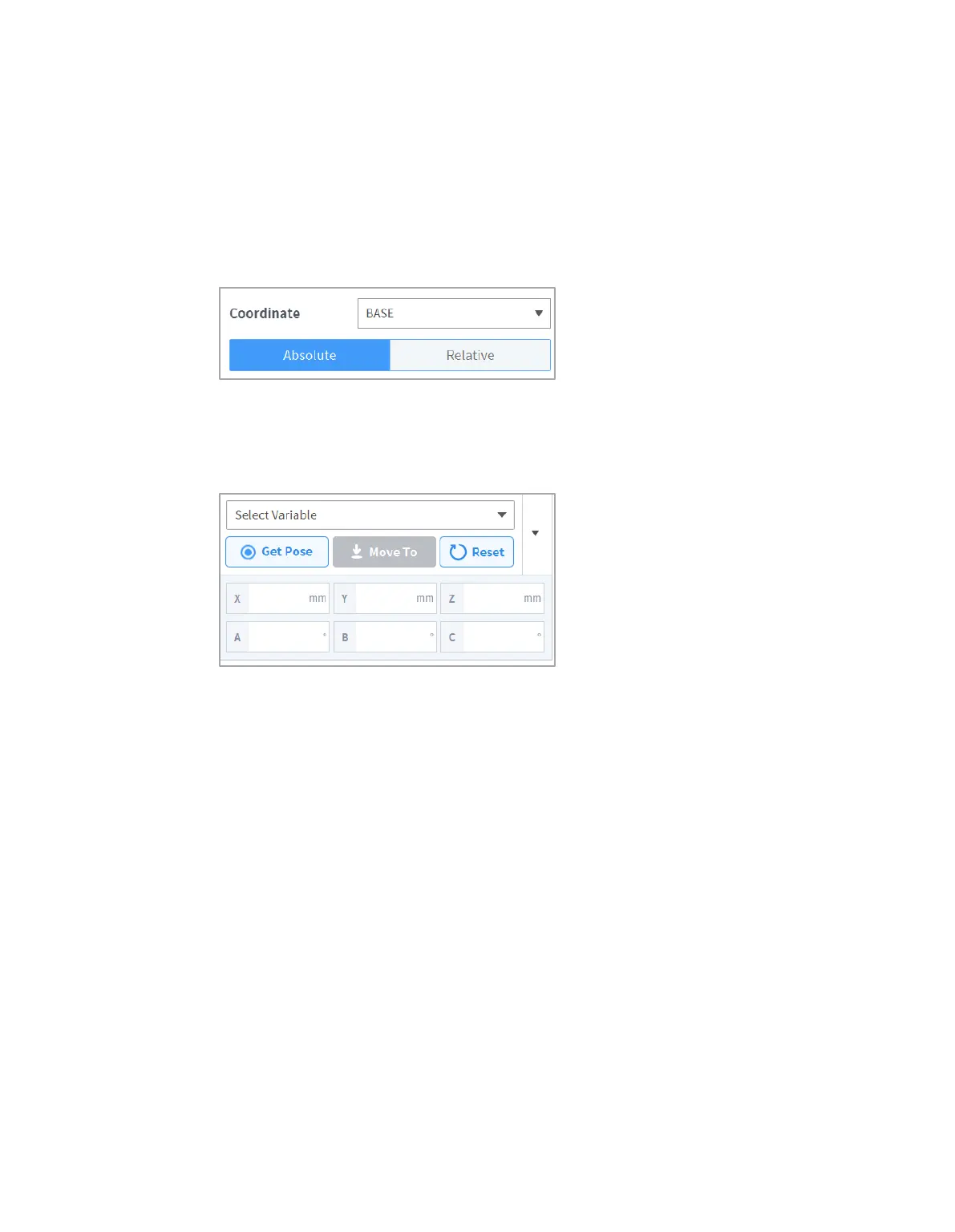
8.6 Motion Command Property Setting
8.6.1 Waypoint Setting
To configure the waypoint of a command, follow these steps:
1 Select the type (Absolute, Relative) of reference coordinate and coordinate value.
2 Either use the jog function or perform direct teaching to move the robot to the desired position.
3 Tap the Save Pose button to save the robot tool position.
If necessary, define a variable using GlobalVariables or the Define command.



 To Next Page