Warning
Press and hold the power button for more than 4 seconds to force system shutdown.
Forced shutdown may cause robot and controller failure.
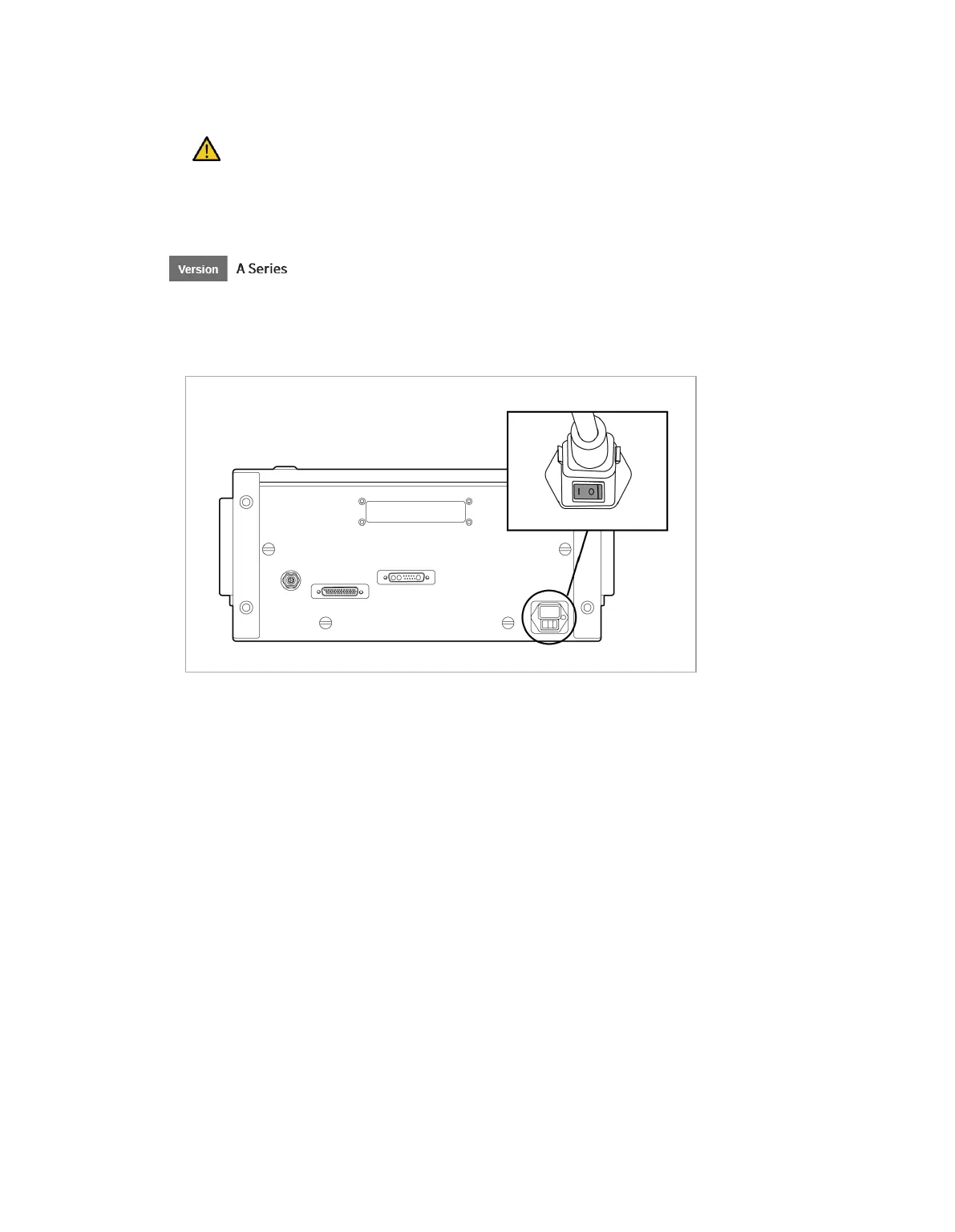
Press the power button at the bottom of the controller.
• The power for systems such as the robot, controller, teach pendant and smart pendant is turned
on.
[PC Power ON/OFF only when E-STOP Box is used - Standard Item]
Open the controller door, and press and hold the power button located below the bottom right of the
Safety board.
• To turn off the power, press and hold the button.



 To Next Page