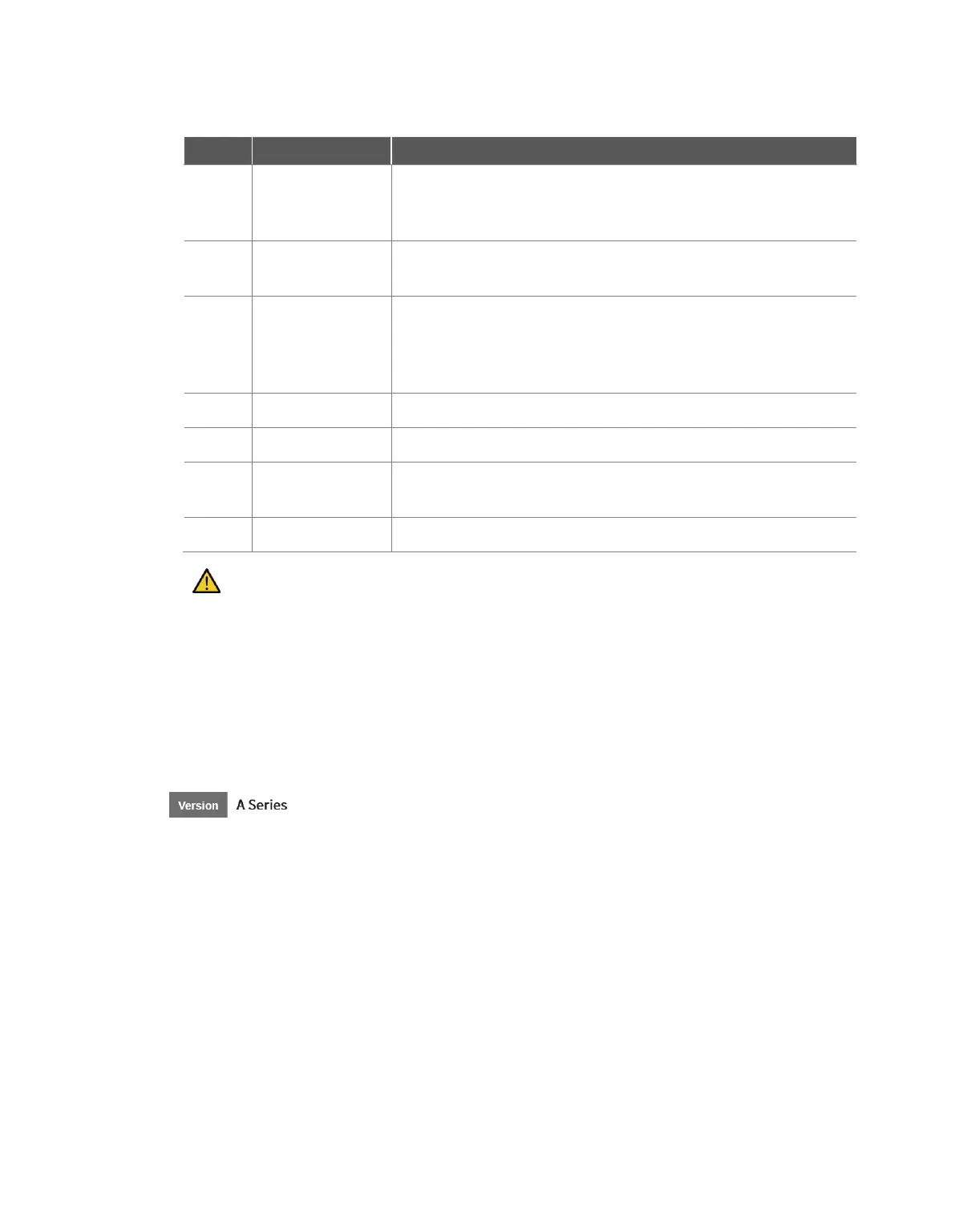
Displays the tool weight information configured through the tool center
point and weight configuration functions of the set TCP command or
the jog.
Collision
information area
Displays the collision sensitivity value set for the area where the robot
is currently positioned.
It displays the force information occurring in the Base, World, User,
and Reference coordinate systems. The Reference coordinate system
displays force based on the coordinate system information applied to
the robot.
It sets the speed of the robot in a real or a virtual mode.
It stops the current task.
Execute/pause
toggle button
It executes or pauses the work in the task list.
It displays the time spent on the corresponding command/skill.
Caution
Before executing a task, execute the task in virtual mode to check whether the task operates as
intended.
It is recommended to test the robot program by designating temporary waypoints outside
another machine’s work space. Doosan Robotics is not responsible for damages that occur due
to programming error or robot malfunctioning, as well as damage to the equipment.
The emergency stop button is located on the teach pendant. In an emergency situation, press
the emergency stop button to stop the robot.
In the case of models without Force Toque Sensor, the force (X, Y, Z) values are not monitored.



 To Next Page