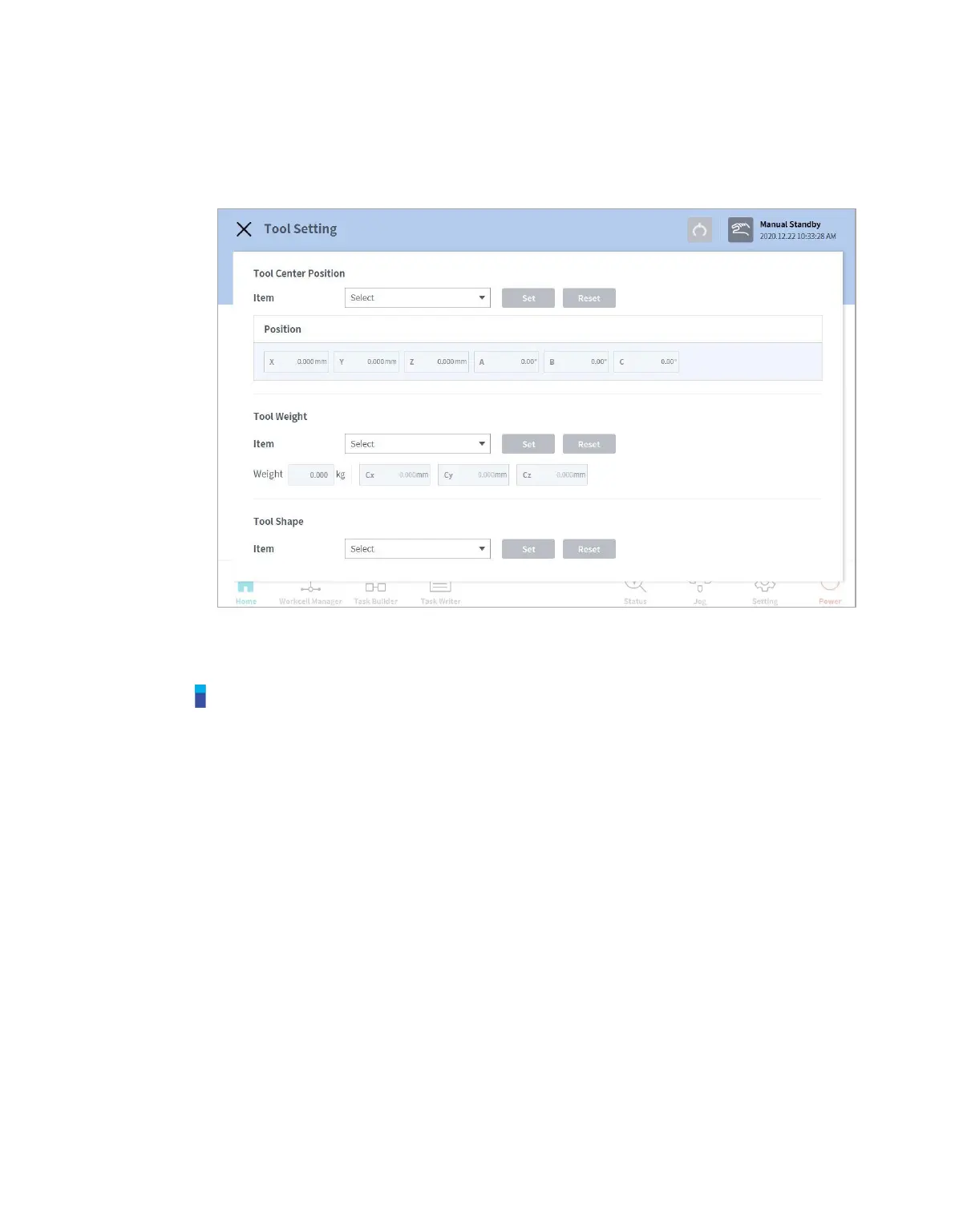
1 Select the Tool Setting button.
2 Select the desired Workcell item from the Tool Center Point, Weight or Tool Shape.
3 Press the Setting button to save the tool center point, weight or shape of the corresponding
Workcell item.
Note
The robot’s tool center point and tool weight can be set to default where no input is made by
pressing the Reset button.



 To Next Page