Space Limit
Collaborative Zone
Crushing Prevention Zone
Collision Sensitivity Reduction Zone
Tool Orientation Limit Zone
Custom Zone
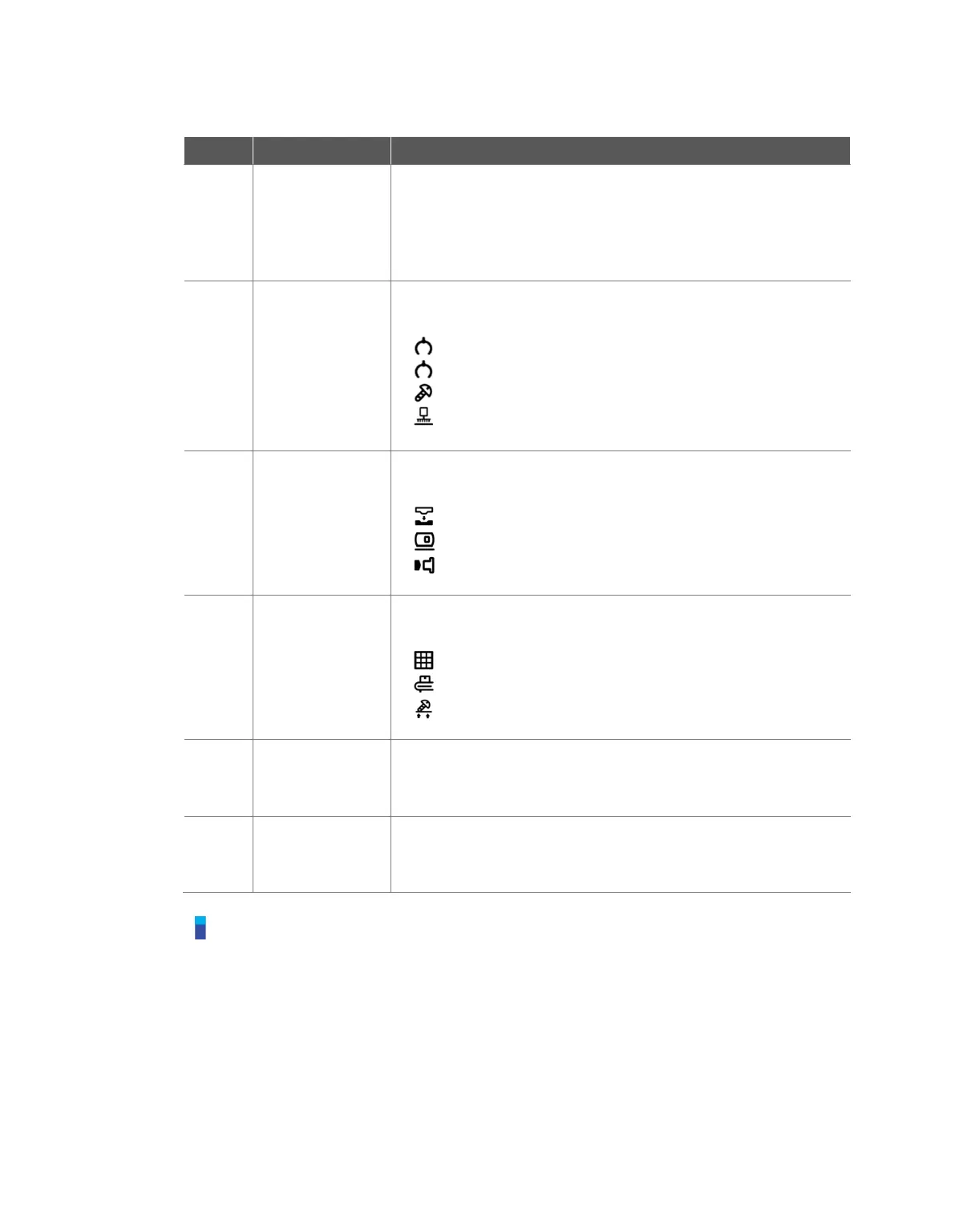
End effectors can be added to the robot, and the added end effector
is displayed.
Double-Action Gripper
Single-Action Gripper
Screwdriver
툴
Machines compatible with the robot can be added, and the added
machine is displayed.
Press machine
Turning center
Injection molding machine
Peripherals connected to the robot can be added, and the added
peripheral is displayed.
Pallet (4P)
Conveyor
Bolt feeder
List of Workcell items registered in each category is displayed.
Selecting a Workcell item moves to the corresponding Workcell item
setting screen.
Adds a Workcell item to each category. Tap the add Workcell item
button at the bottom of the category to go to the Workcell item select
screen of the corresponding category.
Note
Detailed explanations of various Workcell items provided by the Workcell Manager are provided
in a reference manual.



 To Next Page