Chapter 6
| Switch Management
How to Connect to the Console Port
– 53 –
◆ Data bits—8
◆ Flow control—None
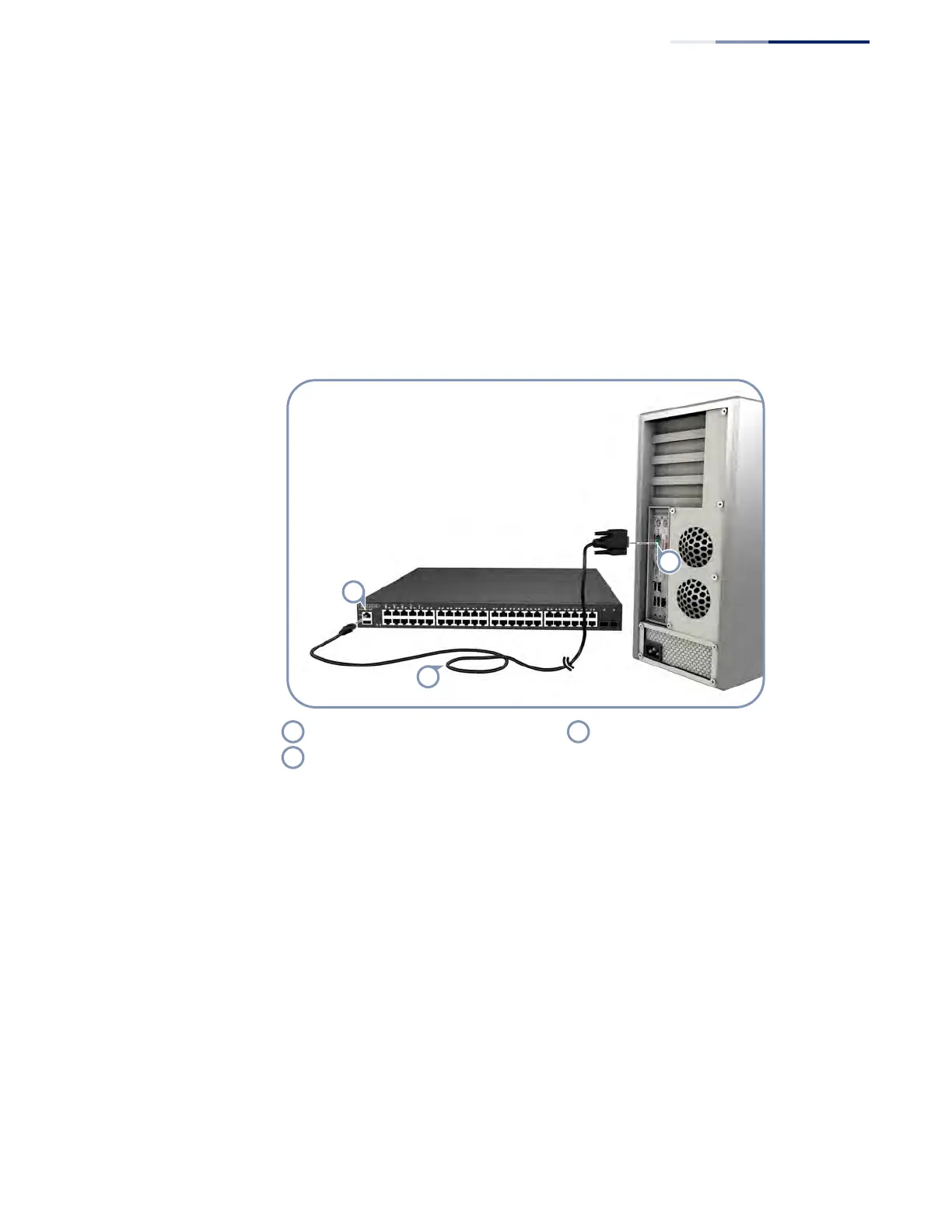
Follow these steps to connect to the Console port:
1. Connect one end of the included RJ-45 to DB-9 serial cable to a DB-9 COM port
connector on the management PC.
2. Plug in the RJ-45 end of the serial cable to the Console port on the switch.
Figure 30: Console Port Connection
3. Configure the PC’s COM port required settings using VT-100 terminal emulator
software (such as HyperTerminal) running on the management PC. The switch’s
default console port settings are:
■
115200 bps, 8 data bits, 1-stop bit, and no parity
4. Log in to the command-line interface (CLI) using one of the default user login
settings:
■
User — admin
Password — admin
or
■
User — guest
Password — guest
Switch’s RJ-45 Console Port Console Cable
PC’s DB-9 COM Port











 To Next Page