FOR RESTRICTED USE only Fargo Electronics, Inc.
DTC550 Direct to Card Printer/Encoder User Guide (Rev. 2.8)
5-13
Performing the procedure for the DTC550 Card Lamination Module
Attachment Kit (continued)
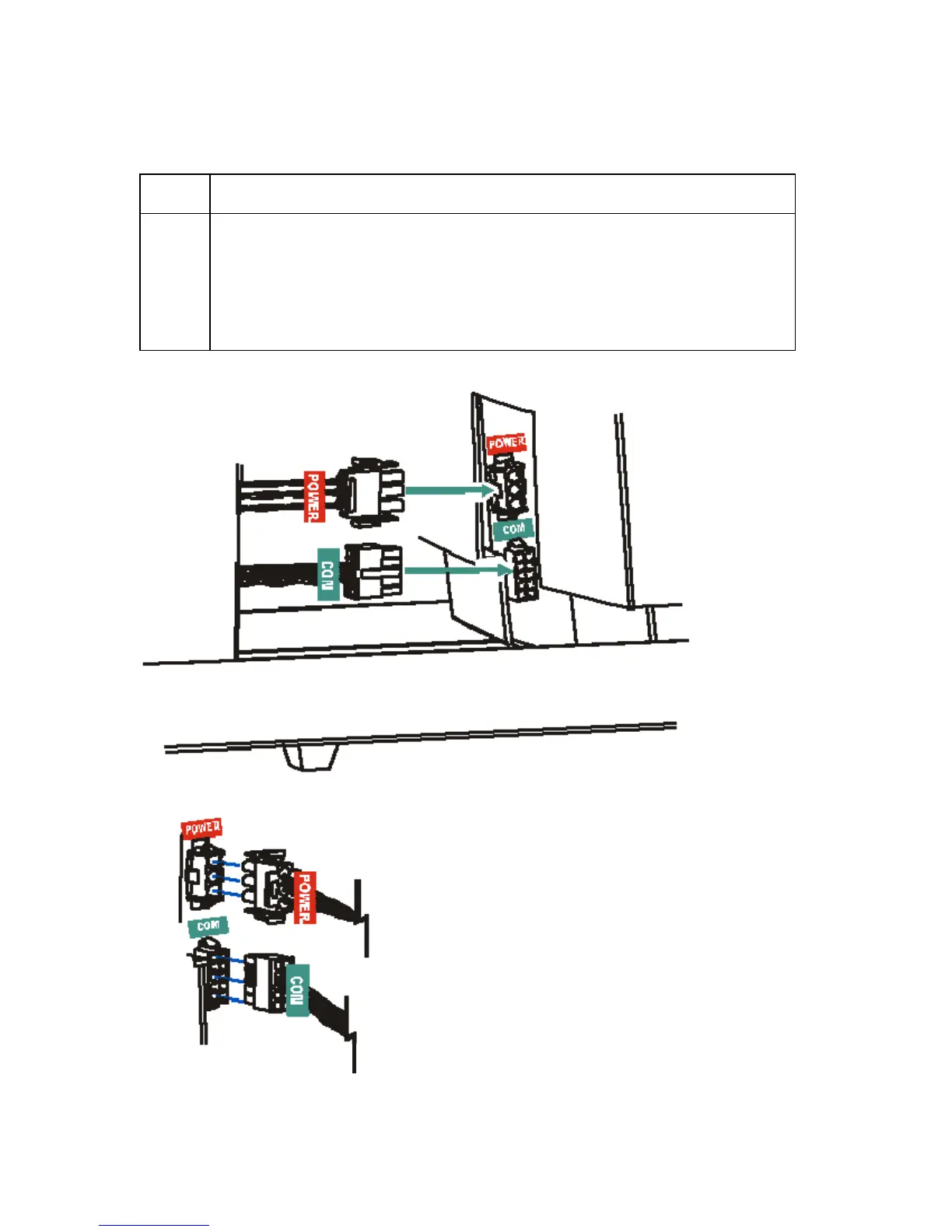
Step Procedure
5 Connect the Lamination Module's Power Cable (RED) to the Printer's
Power Port.
Connect the Com Cable (GREEN) to the Printer's Com port.
Push firmly to ensure both are securely connected. (Note: The port and
cable are keyed for one way installation.)



 To Next Page