FOR RESTRICTED USE only Fargo Electronics, Inc.
DTC550 Direct to Card Printer/Encoder User Guide (Rev. 2.8)
5-14
Performing the procedure for the DTC550 Card Lamination Module
Attachment Kit (continued)
Step Procedure
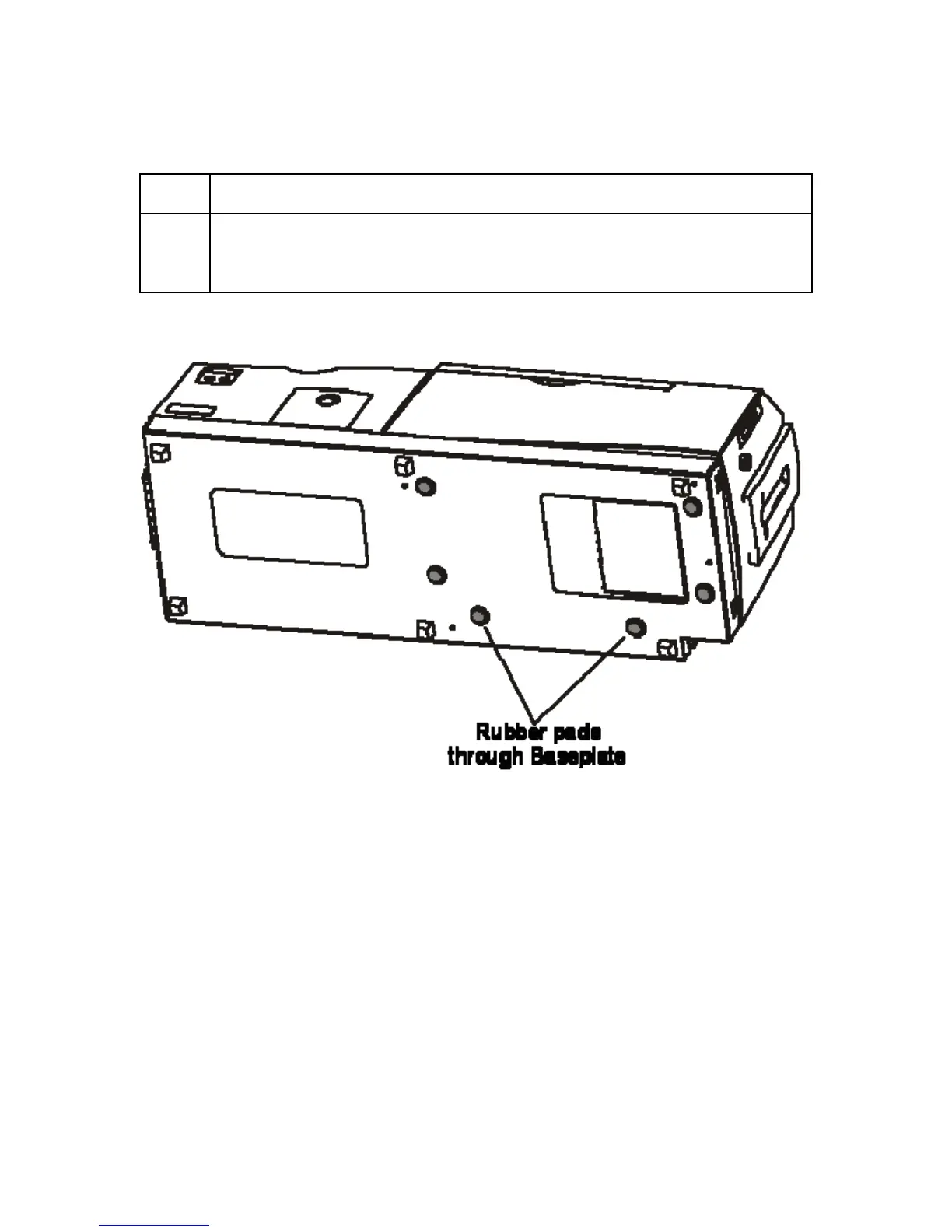
6 Set the Printer completely into the Lamination Module's Baseplate. (Note:
The rubber pads on the bottom of the Printer will rest securely in the holes in
the Lamination Module's Baseplate when the Printer is seated properly.)



 To Next Page