FOR RESTRICTED USE only Fargo Electronics, Inc.
DTC550 Direct to Card Printer/Encoder User Guide (Rev. 2.8)
5-15
Performing the procedure for the DTC550 Card Lamination Module
Attachment Kit (continued)
Step Procedure
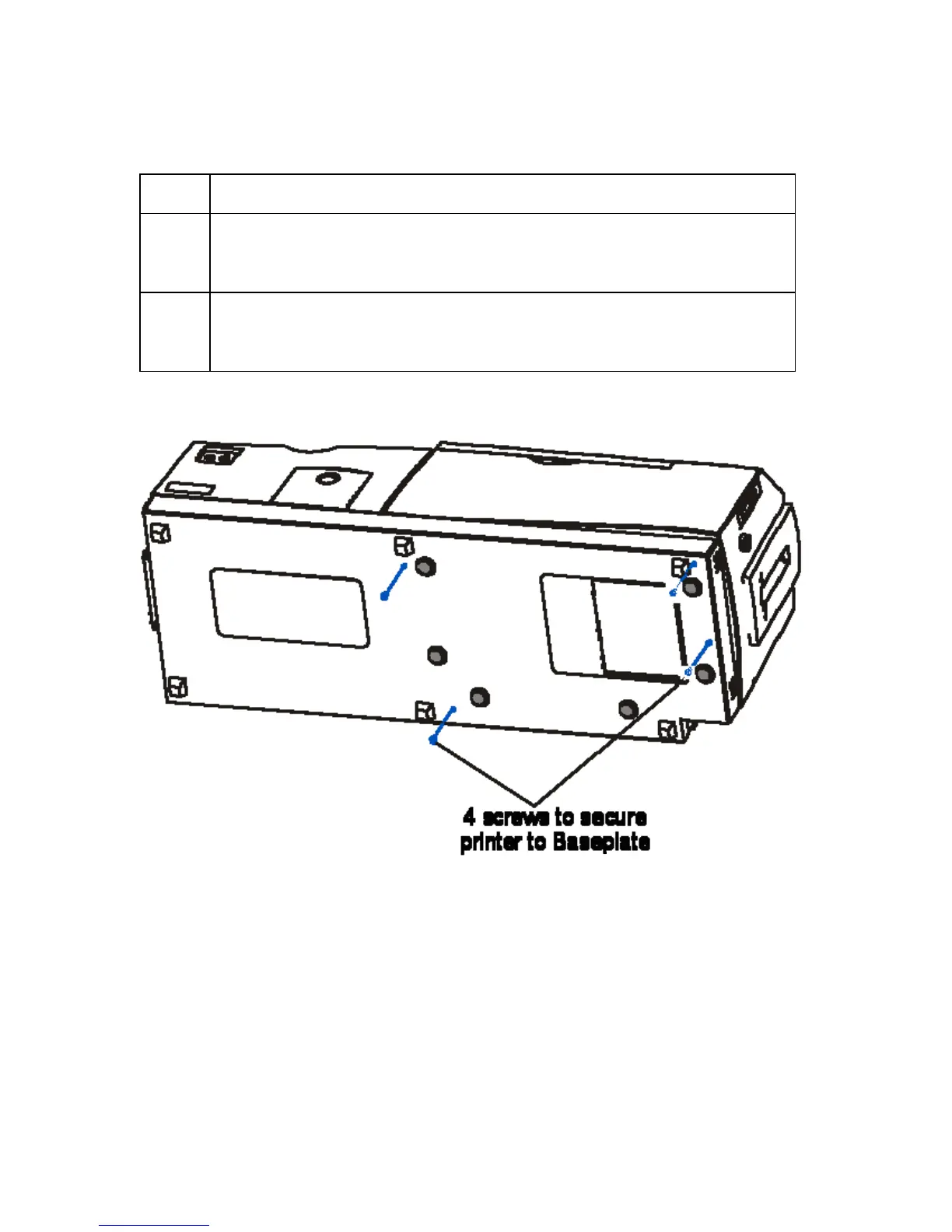
7 Gently tilt the entire Printer and Lamination Module back onto its rear
cover, as shown below. (Note: Be careful not to slide the unit around in
this position as scratching could occur.)
8 Use the torx tool to insert each of the four (4) screws (F000286) into the
Baseplate and tighten the screws to secure the Printer to the Lamination
Module's Baseplate.



 To Next Page