FOR RESTRICTED USE only Fargo Electronics, Inc.
DTC550 Direct to Card Printer/Encoder User Guide (Rev. 2.8)
3-5
Loading the Print Ribbon (continued)
Step Procedure
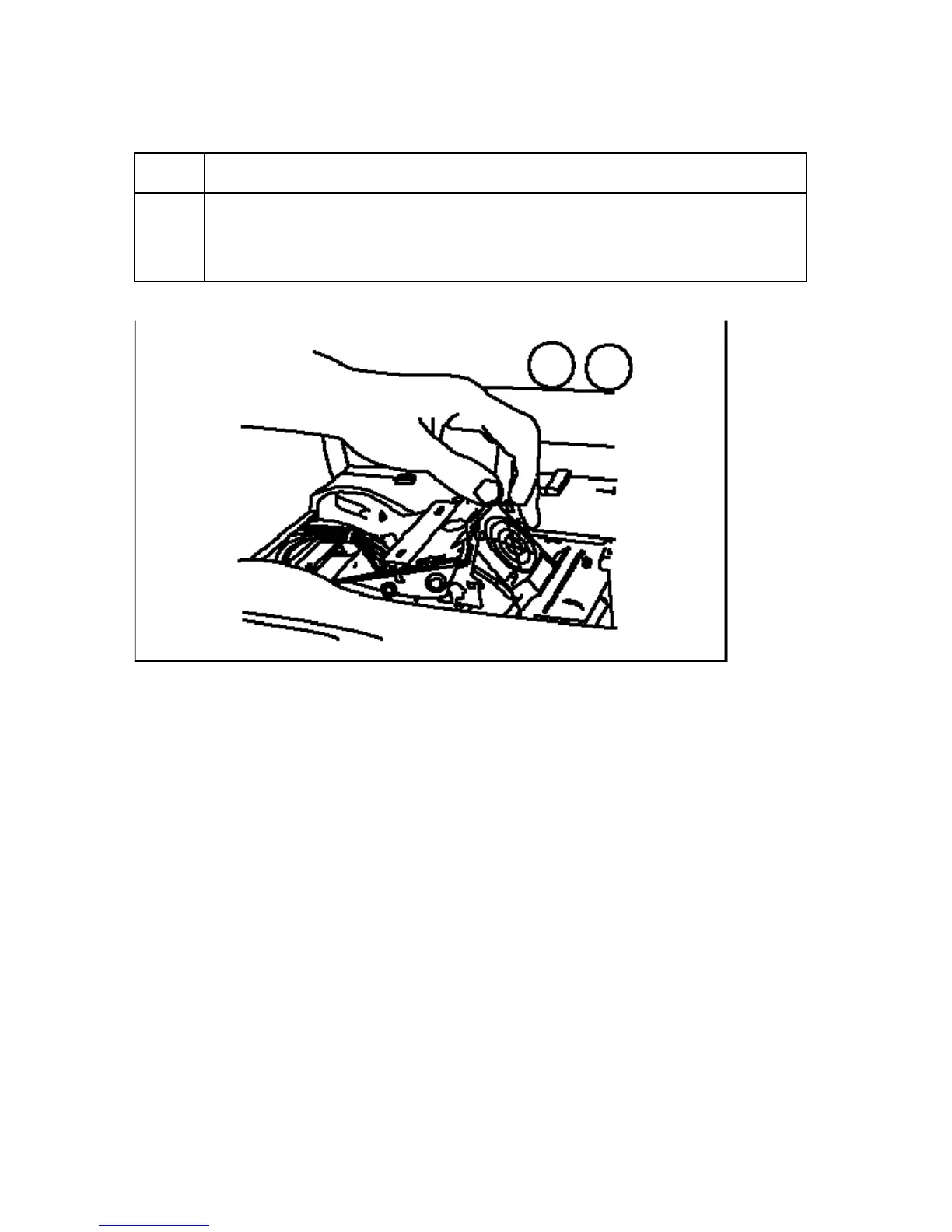
2 a. Pull back on the Blue Latch Hooks to release the Printhead Arm
Assembly, as shown below.
b. Pull the Printhead Arm Assembly back to its fully open position.



 To Next Page