FOR RESTRICTED USE only Fargo Electronics, Inc.
DTC550 Direct to Card Printer/Encoder User Guide (Rev. 2.8)
3-6
Loading the Print Ribbon (continued)
Step Procedure
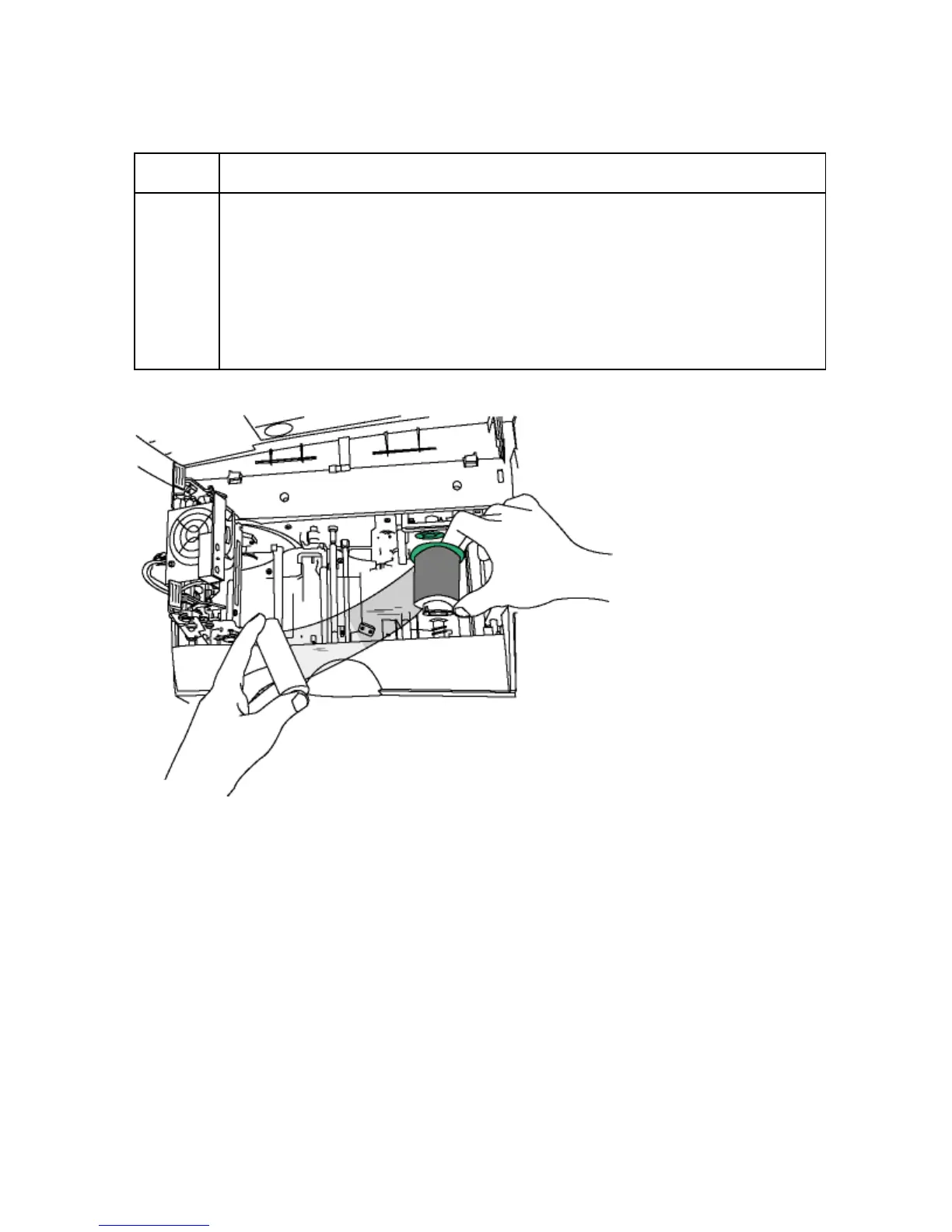
3 Load the Print Ribbon (supply spool)
a. Place the supply end of the Print Ribbon in between the two Hubs. (Note:
The Print Ribbon comes wound on a gray spool with a green ring around
one side.)
b. Match the green ring on the Ribbon Spool to the Green Hub inside the
Printer. (Note: When properly installed, the green ring will be fit securely in
place.)



 To Next Page