FOR RESTRICTED USE only Fargo Electronics, Inc.
DTC550 Direct to Card Printer/Encoder User Guide (Rev. 2.8)
3-15
Loading the Overlaminate (continued)
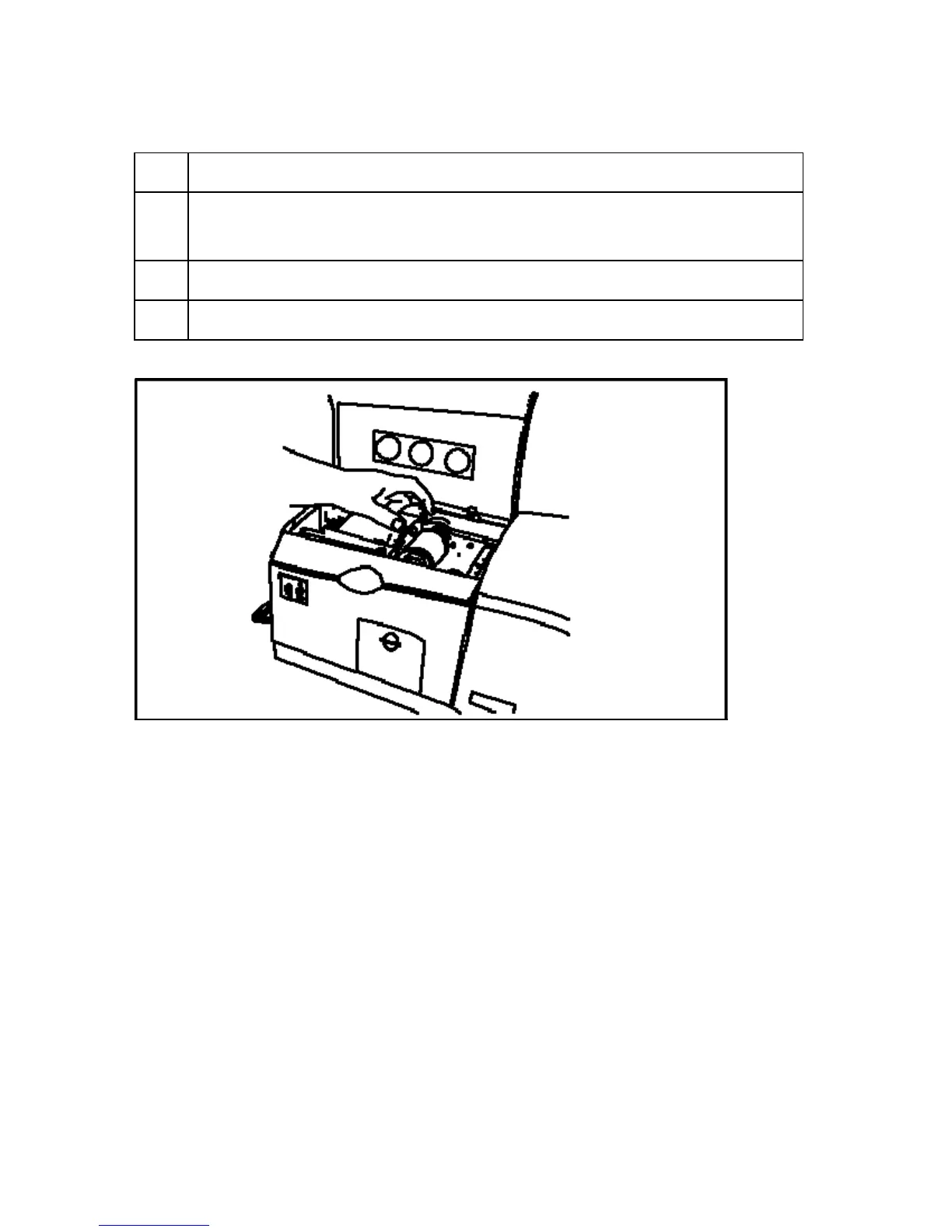
Step Procedure
2 a. Pull up on the blue latch hooks to release the Lamination Arm.
b. Pull the Lamination Arm back to its fully-open position.
3 Remove the overlaminate from its packaging.
4 Load the overlaminate into the Lamination Module.



 To Next Page