FOR RESTRICTED USE only Fargo Electronics, Inc.
DTC550 Direct to Card Printer/Encoder User Guide (Rev. 2.8)
3-29
Loading the Blank Cards (continued)
Step Procedure
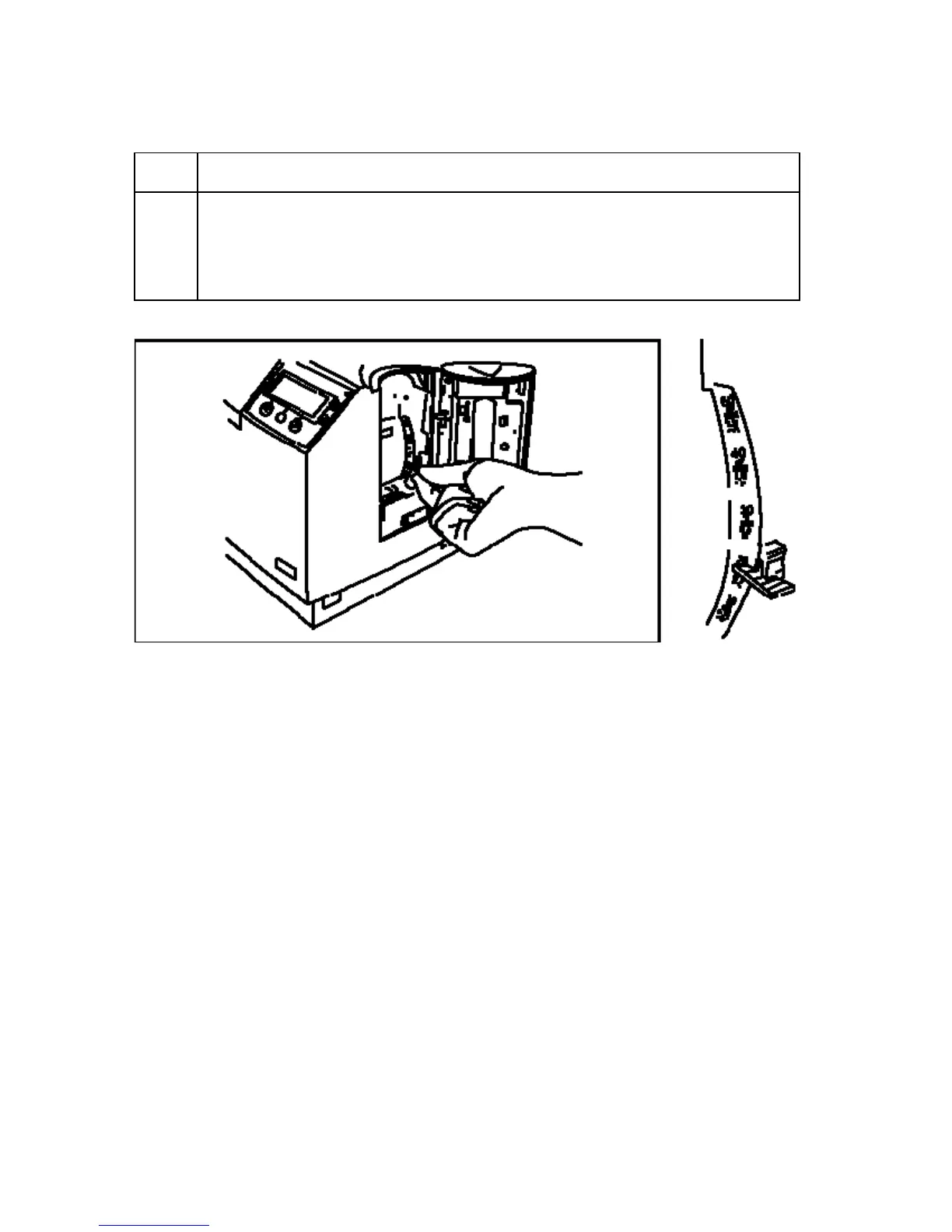
2 a. Set the Card Thickness Adjustment Lever to the appropriate setting.
(Note: The settings are in increments of 10, as shown below.)
b. Depress the blue tab, move the lever and release it when properly set.
(Note: The Printer will be set to a default of 30 mil.)



 To Next Page