FOR RESTRICTED USE only Fargo Electronics, Inc.
DTC550 Direct to Card Printer/Encoder User Guide (Rev. 2.8)
3-30
Loading the Blank Cards (continued)
Step Procedure
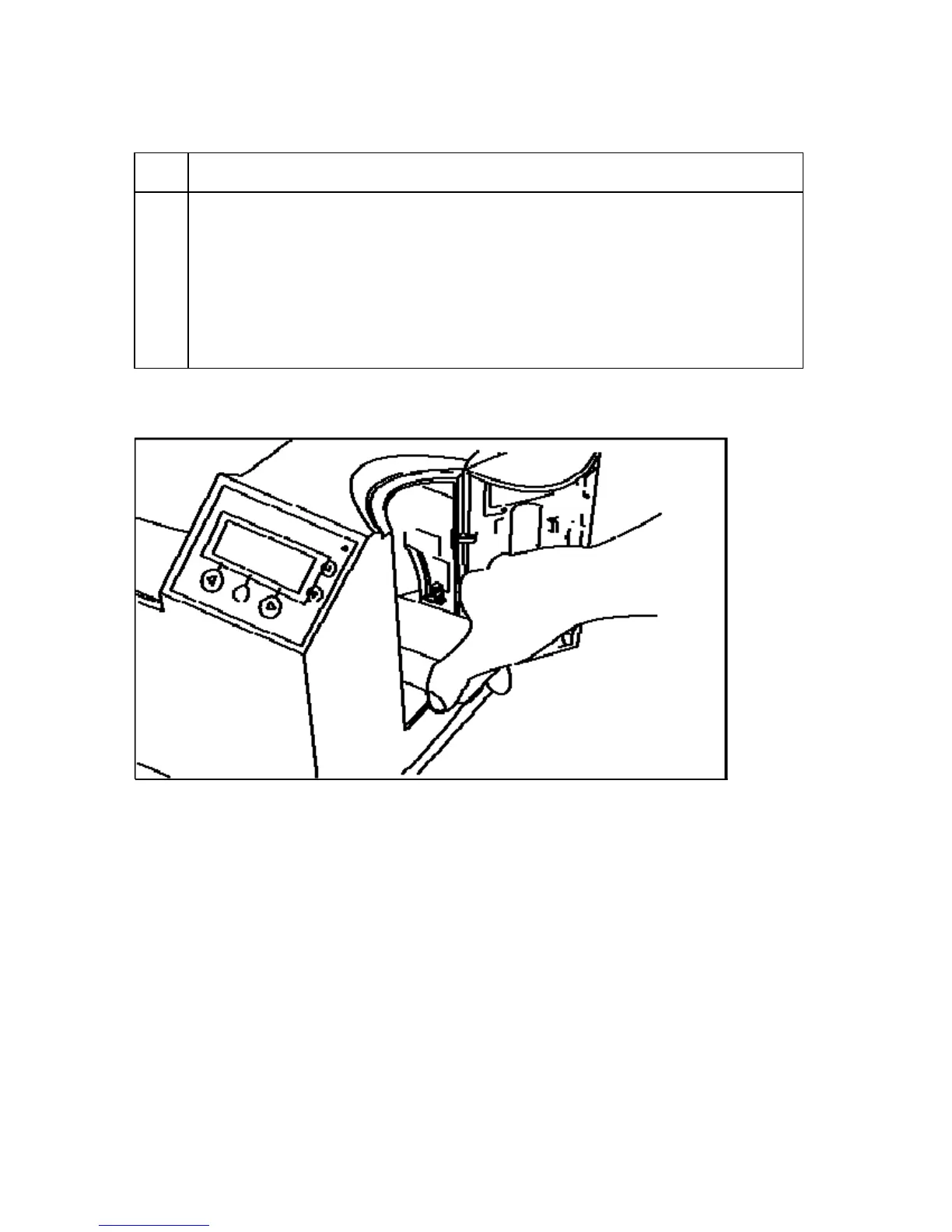
3 Load the Blank Cards into the empty Hopper, as shown in Displays A and B
(below).
a. Insert the Card Weight (Push to the back), as shown in Display C (below).
(Note: This will need to be done for each Hopper that is filled before the
Hopper is switched.)
b. Cycle between Hopper 1 and Hopper 2 by selecting H1 or H2 from the
Printers LCD Control Panel.
Display A - Loading the Blank Cards



 To Next Page