CHAPTER 7: PROTECTION CONTROL ELEMENTS
D90
PLUS
LINE DISTANCE PROTECTION SYSTEM – INSTRUCTION MANUAL 331
FlexMatrix inputs
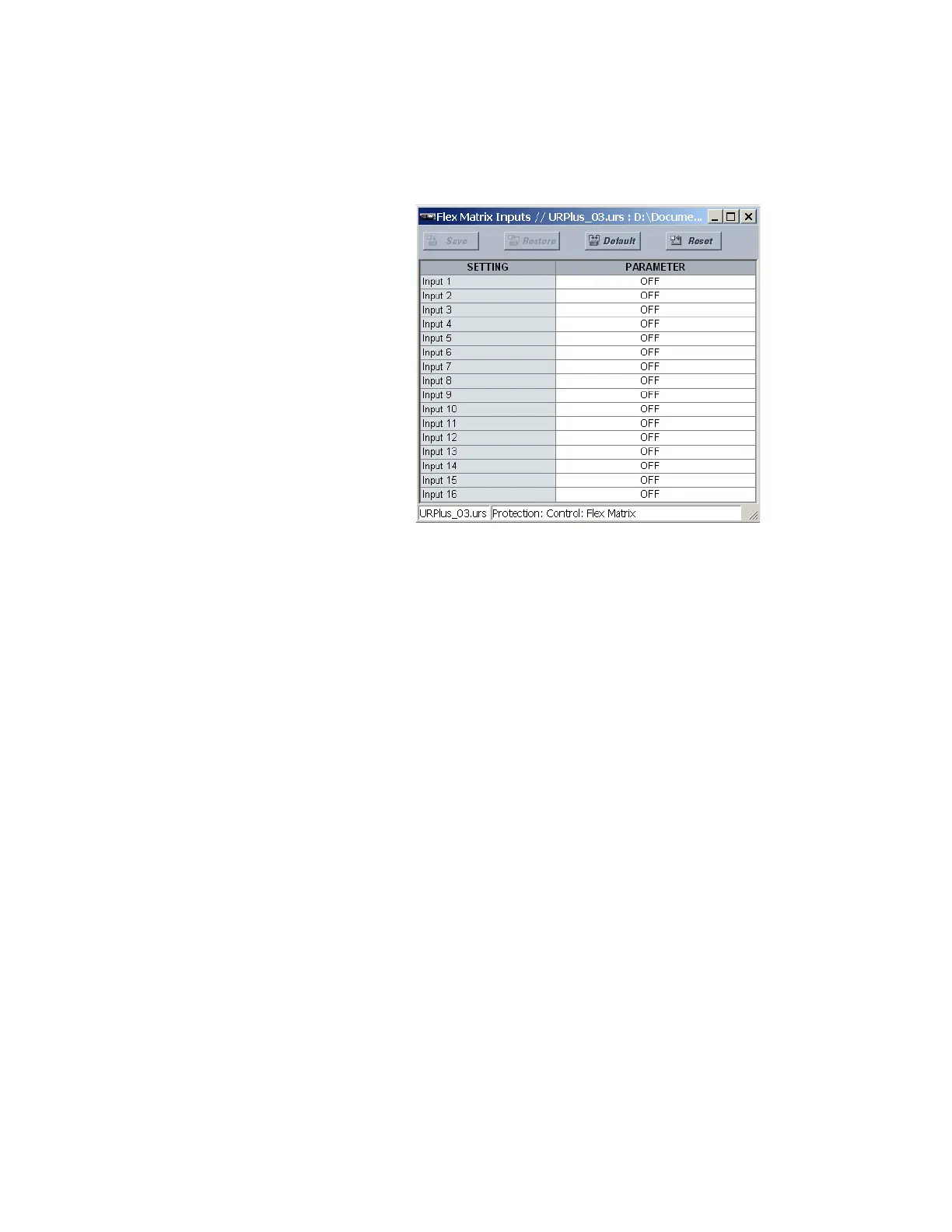
Select the Settings > Protection > Control > FlexMatrix > FlexMatrix Inputs menu to
access the FlexMatrix input settings.
Figure 270: FlexMatrix input configuration settings
The following setting is available for each of the 16 FlexMatrix inputs.
Input 1, Input 2,..., Input 16
Range: any FlexLogic operand or shared operand
Default: OFF
The operand assigned to this setting can be re-assigned to any or all of the FlexMatrix
outputs.
FlexMatrix configuration
Select the Settings > Protection > Control > FlexMatrix > FlexMatrix menu to access the
FlexMatrix configuration settings.



 To Next Page