CHAPTER 12: LOCAL INTERFACE USER-PROGRAMMABLE PUSHBUTTONS
D90
PLUS
LINE DISTANCE PROTECTION SYSTEM – INSTRUCTION MANUAL 607
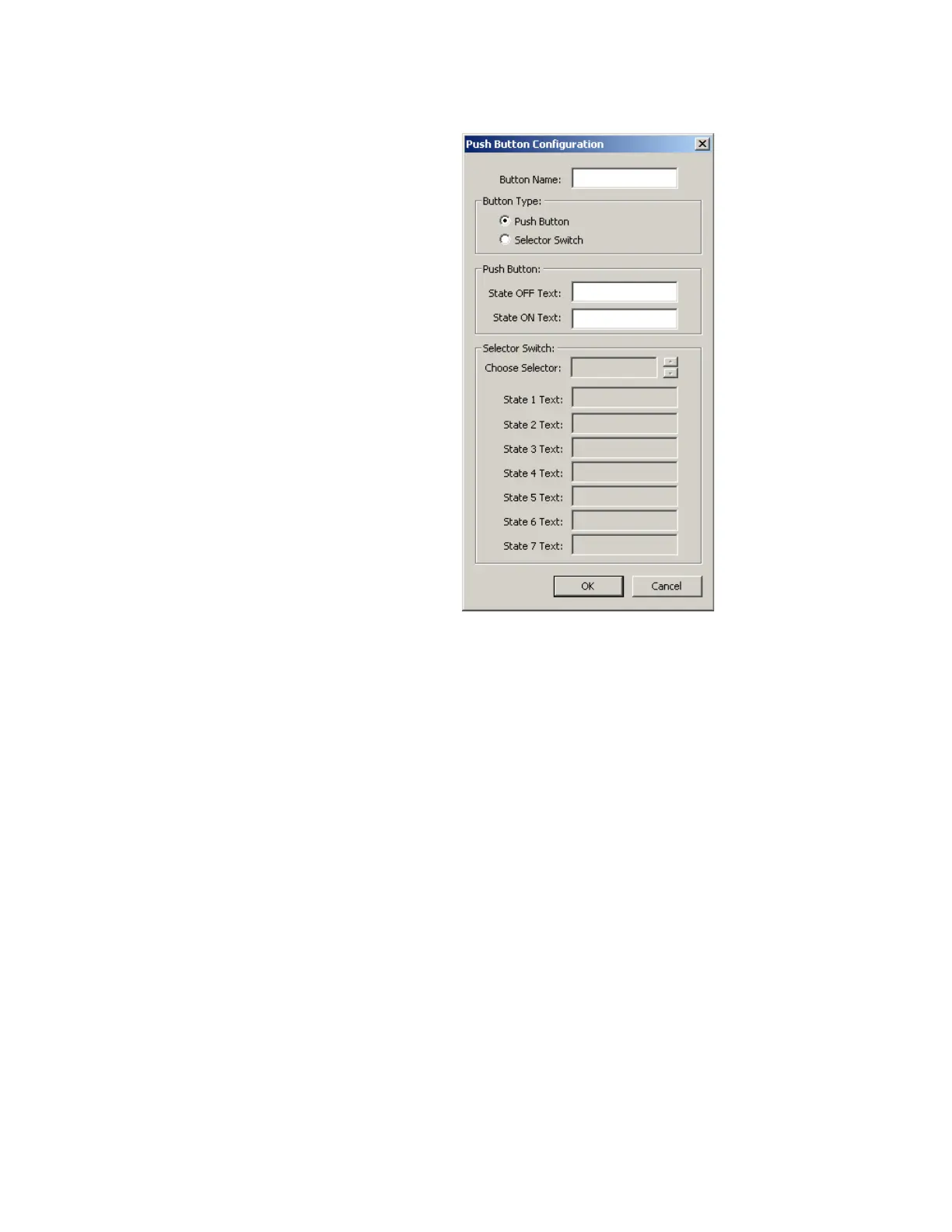
Figure 542: Pushbutton configuration window
The following settings are available.
Button Name
Range: up to 20 alphanumeric characters
Default: ---
This setting allows the user to assign a pushbutton or selector switch name that appears
on the user-programmable pushbutton window and on the display page when the
corresponding pushbutton element or selector switch element is disabled.
Button Type
Range: Pushbutton, Selector Switch
Default: Pushbutton
This setting defines the type of switch associated with each control key.
State OFF Text
Range: up to 20 alphanumeric characters
Default: ---
This setting specifies the text to display under the button name when the pushbutton is
in the OFF state.
State ON Text
Range: up to 20 alphanumeric characters
Default: ---
This setting specifies the text to display under the button name when the pushbutton is
in the ON state.



 To Next Page