Configuration
User Manual corpuls
3
146 ENG - Version 2.1 – P/N 04130.2
To enable printing of the trend values as a single page:
In the main menu, select "Printer" ► "Trend page".
For the trend the minute mean values of the parameters are saved. One minute
mean value is calculated from all measured values within one minute as the
arithmetic average.
If If in the trend table on the protocol printout one parameter value bears an
exclamation mark (e.g. for HR: 60!), this indicates that within this interval an
alarm limit was exceeded or the value fell below the alarm limit.
If at one timestamp one parameter value shows a question mark (e.g. for HR: ?),
this indicates that within the last minute no mean value could be saved due to
technical reasons. This is the case, for example, if at the time of printout the
monitoring unit is out of range (radio connection) of the patient box.
If at one timestamp one parameter value shows two dashes (e.g. for NIBP: --),
this indicates that within the last minute no mean value could be detected and
saved
The printout of the trendpage contains the trend value of the last minute before
the Print key was pressed. The recorded trend values may therefore originate
from an earlier point in time.
If the markings signalling the end of the paper roll become visible, a paper jam
is possible with a selected printer speed of 6.25 mm/s.
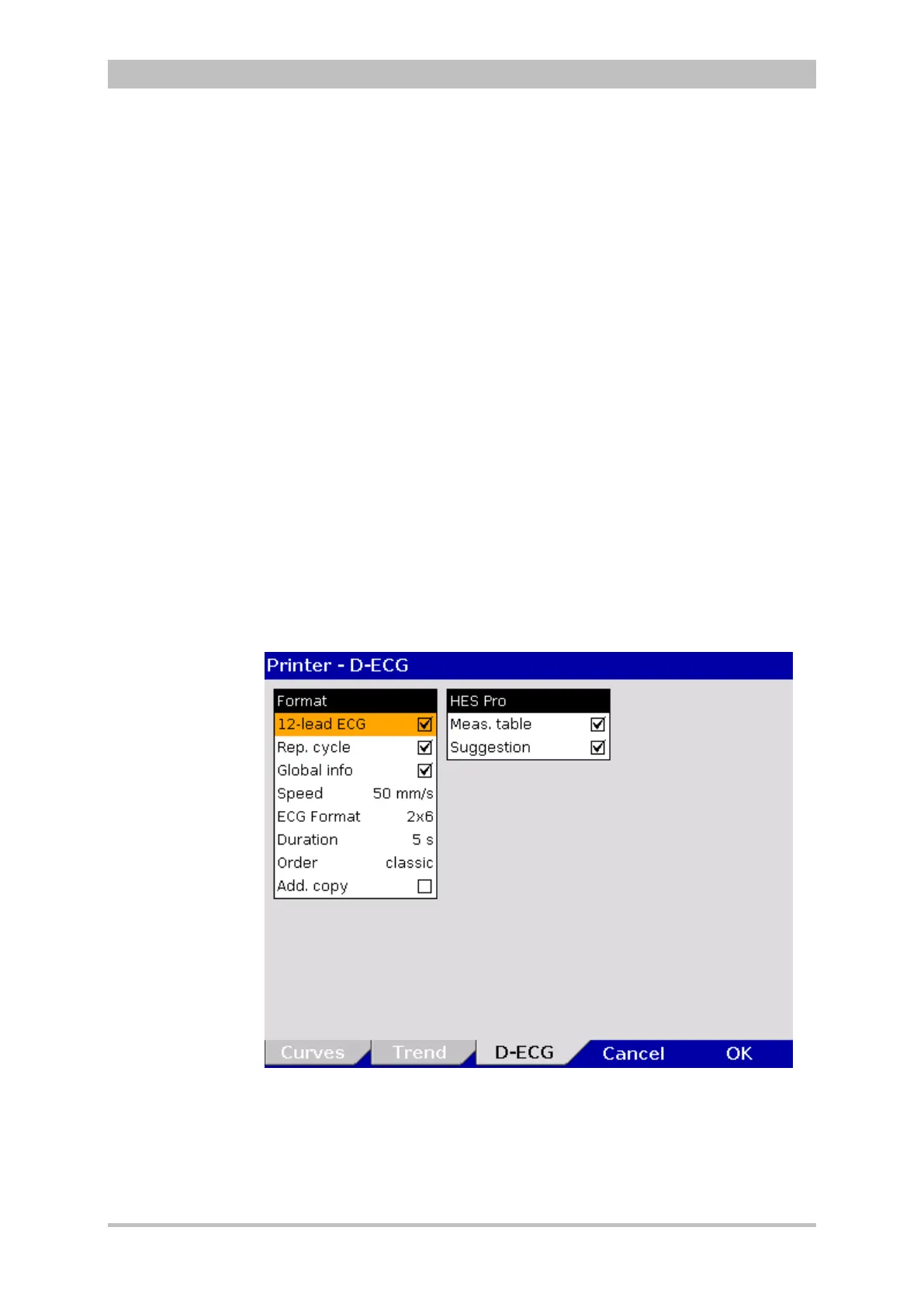
To adjust the settings for the D-ECG printout, proceed as follows:
1. In the main menu, select "Printer" ► "D-ECG".
The configuration dialogue opens.
Fig. 7-8 Printer settings for D-ECG
Trend symbols in
the protocol
Printing
individual
trend pages
D-



 To Next Page