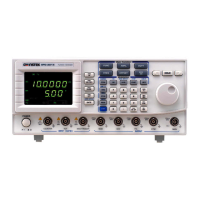
MFG-2000 Series User Manual
156
PSK Carrier Wave Shape
Sine is the default waveform. Other waveforms
cannot be used as a carrier wave.
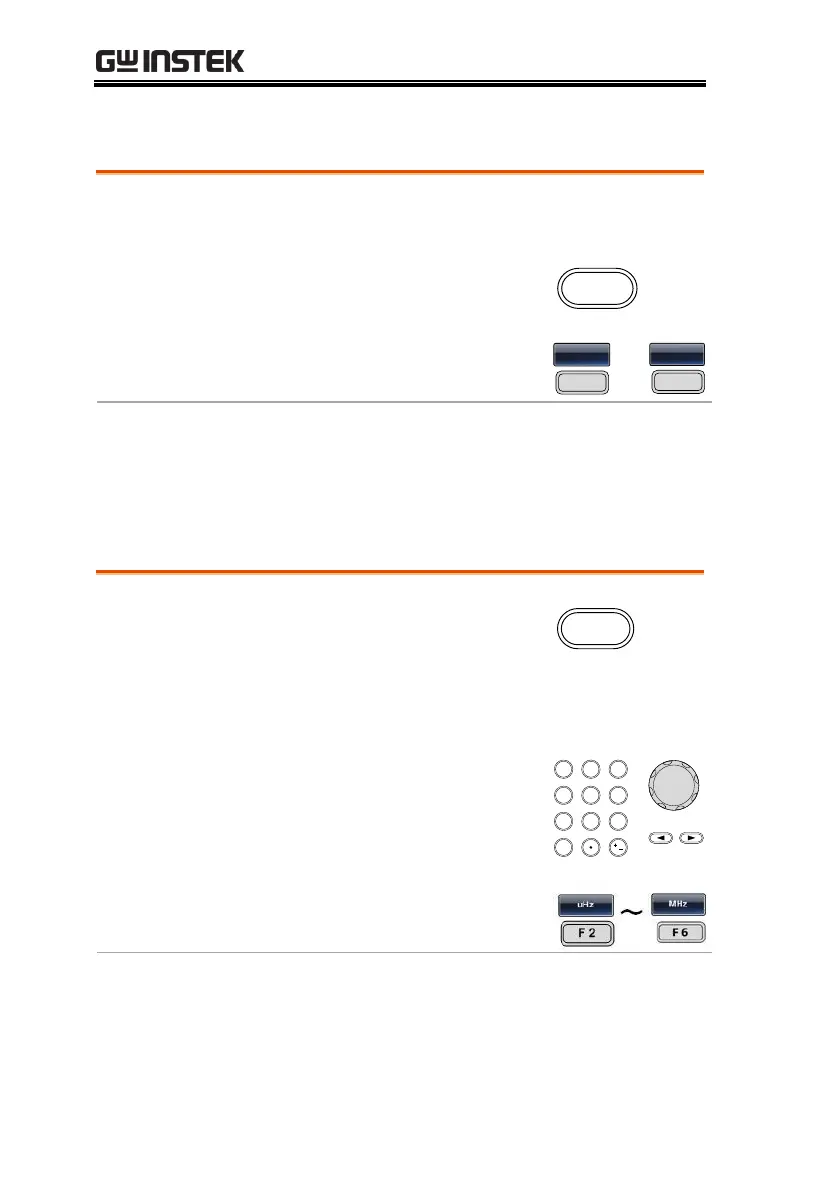
1. Press the Waveform key.
2. Press F1 ~ F5 to select the
carrier shape.
PSK Carrier Frequency
The maximum carrier frequency depends on the carrier shape. The
default carrier frequency is 1kHz.
1. Press the FREQ/Rate key to
select the carrier frequency.
2. The FREQ parameter will become highlighted
in the parameter window.
3. Use the arrow keys and scroll
wheel or number pad to enter
the carrier frequency.
4. Press F2~F6 to select the PSK
frequency unit.


 To Next Page
 Loading...