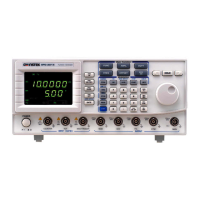
MFG-2000 Series User Manual
106
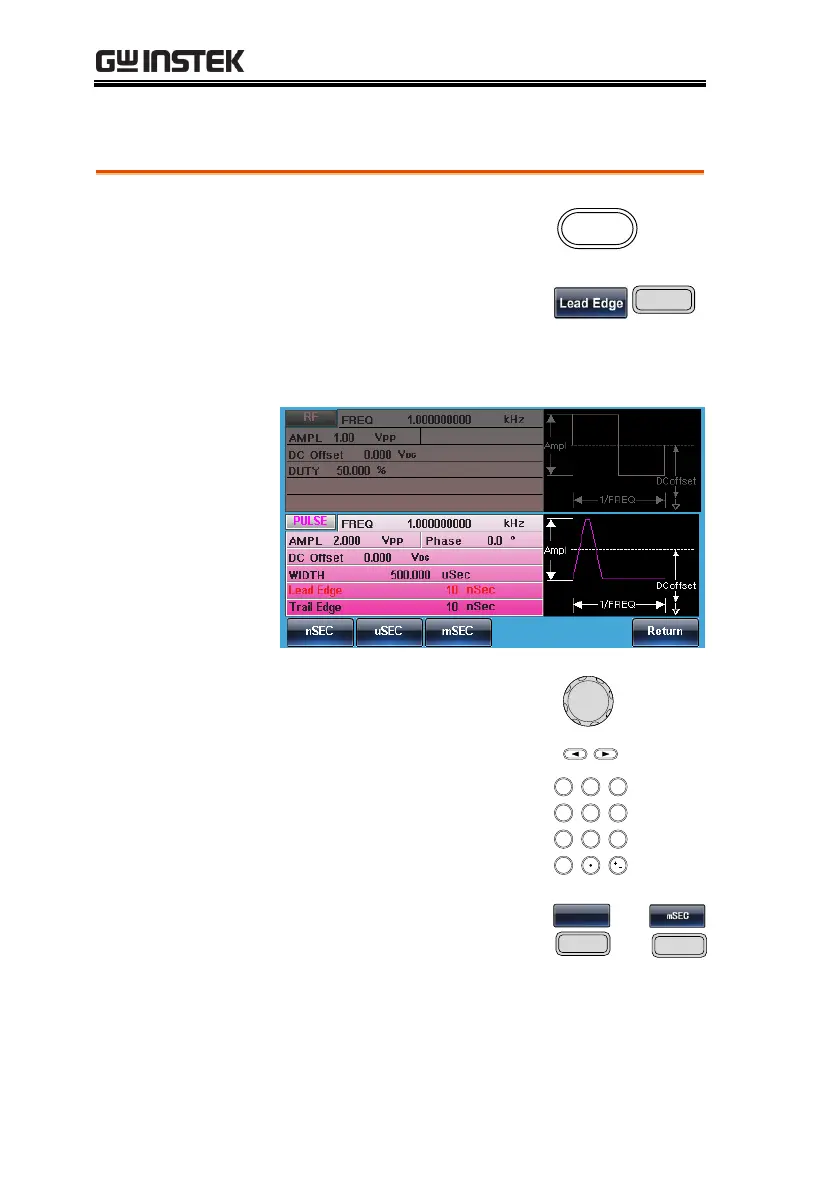
Setting the Pulse Leading Edge Time
1. Press the Waveform key.
2. Press F3 (Lead Edge). The
Lead Edge parameter will be
highlighted in the parameter
window.
3. There are two ways to set its
value :
a,Use the arrow keys and
scroll wheel
b, number pad to enter the
Duty range.
4. Press F1~F3 to choose the
unit range.
5. Repeat the above steps for the opposite edge
time.


 To Next Page
 Loading...