90
Combinations
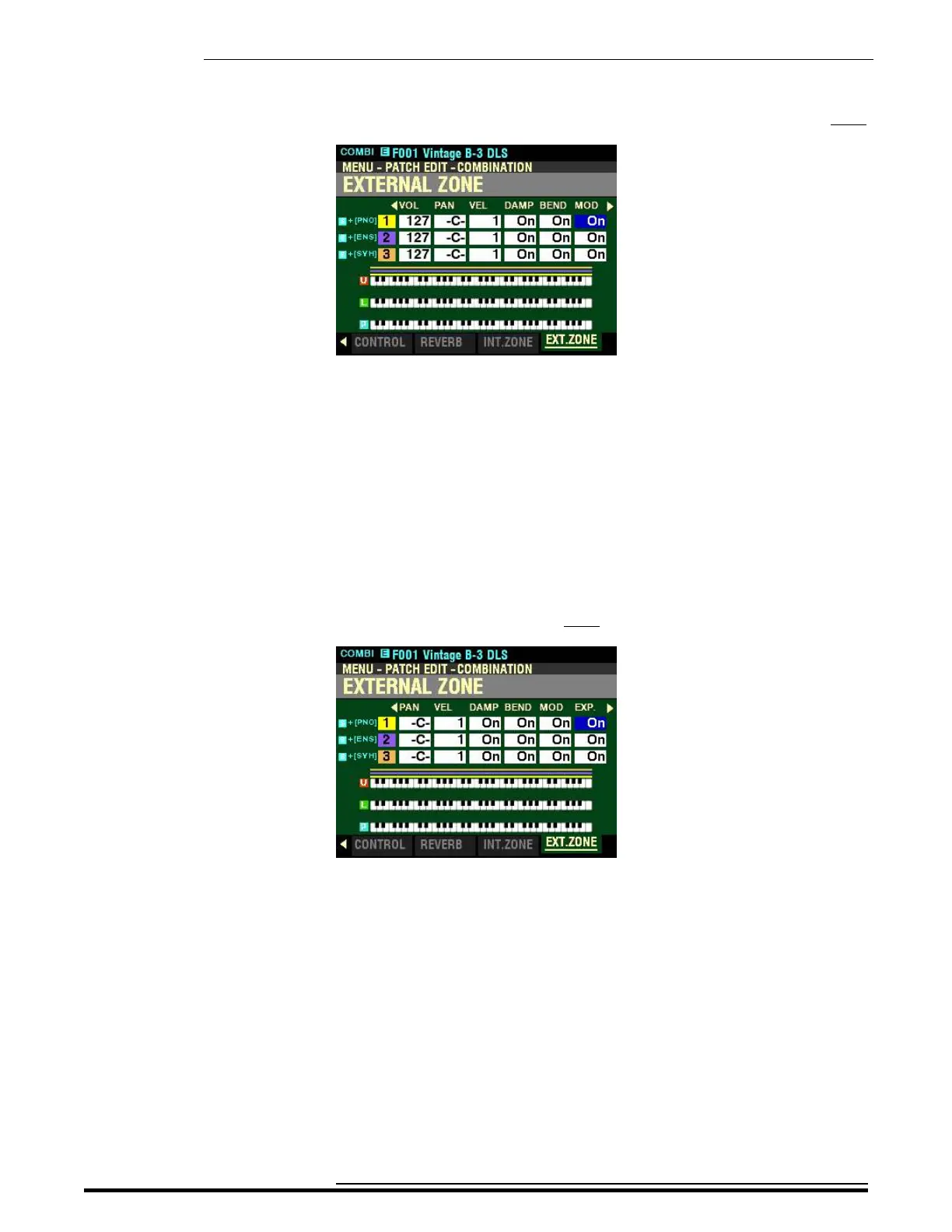
From the screen shown at the bottom of the previous page, press the DIRECTION “u” button once.
The box underneath “MOD” should be highlighted.
MOD - External Zone Modulation Wheel
This Parameter allows you to select whether you want to send information from the Modulation Wheel as
part of the selected External Zone.
Use the DIRECTION “p” and “q” buttons to move up and down among the three External Zones,
“1” “2" and “3.”
Turn the VALUE knob to make your selection.
From the above screen, press the DIRECTION “u” button once.
The box underneath “EXP” should be highlighted.
EXP - External Zone Expression ON/OFF
This Parameter allows you to select whether a connected Expression Pedal will affect the selected Zone.
Use the DIRECTION “p” and “q” buttons to move up and down among the three External Zones,
“1” “2" and “3.”
Turn the VALUE knob to turn Expression for the selected Zone “ON” or “OFF.”
NOTE: In order for this Parameter to work, the Expression Control Number must be set to “7:VOL.” If the
Expression Control Number is set to “11:EXP,” changing this parameter will have no effect.
HA<O> SKX PRO Reference Guide



 To Next Page