573
Special Performance Features
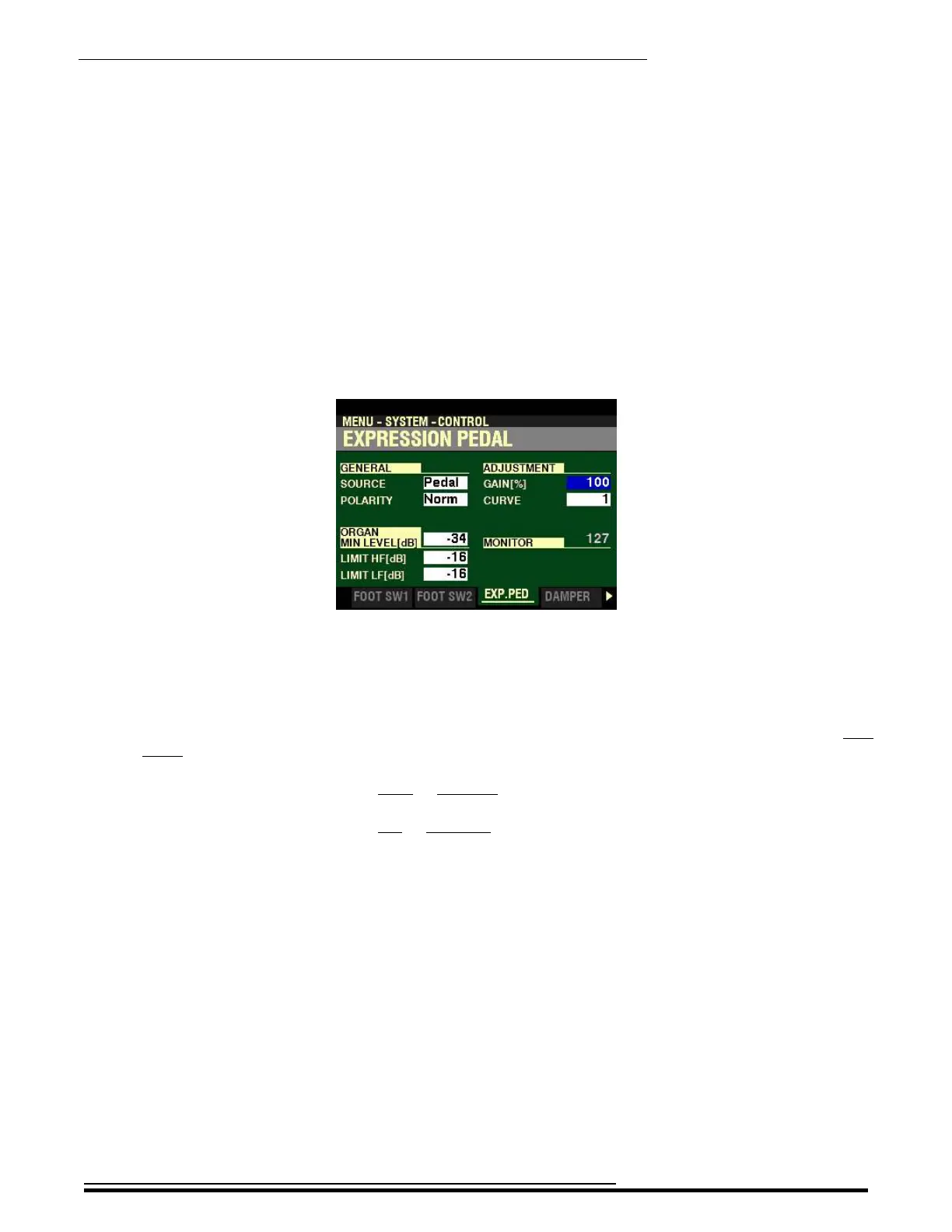
From the screen shown at the bottom of the previous page, use the DIRECTION buttons to move the
cursor to the right side of the display so the Information Center Display looks like this:
The box to the right of “GAIN” should be highlighted.
GAIN
This Parameter allows you to adjust the range of a connected Expression Pedal. You can select from 70%
to 130%.
Turn the VALUE knob to the right to increase the amount of Gain.
Turn the VALUE knob to the left to decrease the amount of Gain.
NOTE: The amount of audible change may differ depending on the specific Expression Pedal used. Use
this Parameter to obtain the desired response from your particular pedal.
HA<O> SKX PRO Reference Guide



 To Next Page