290
PIANO / ENSEMBLE Voice Sections
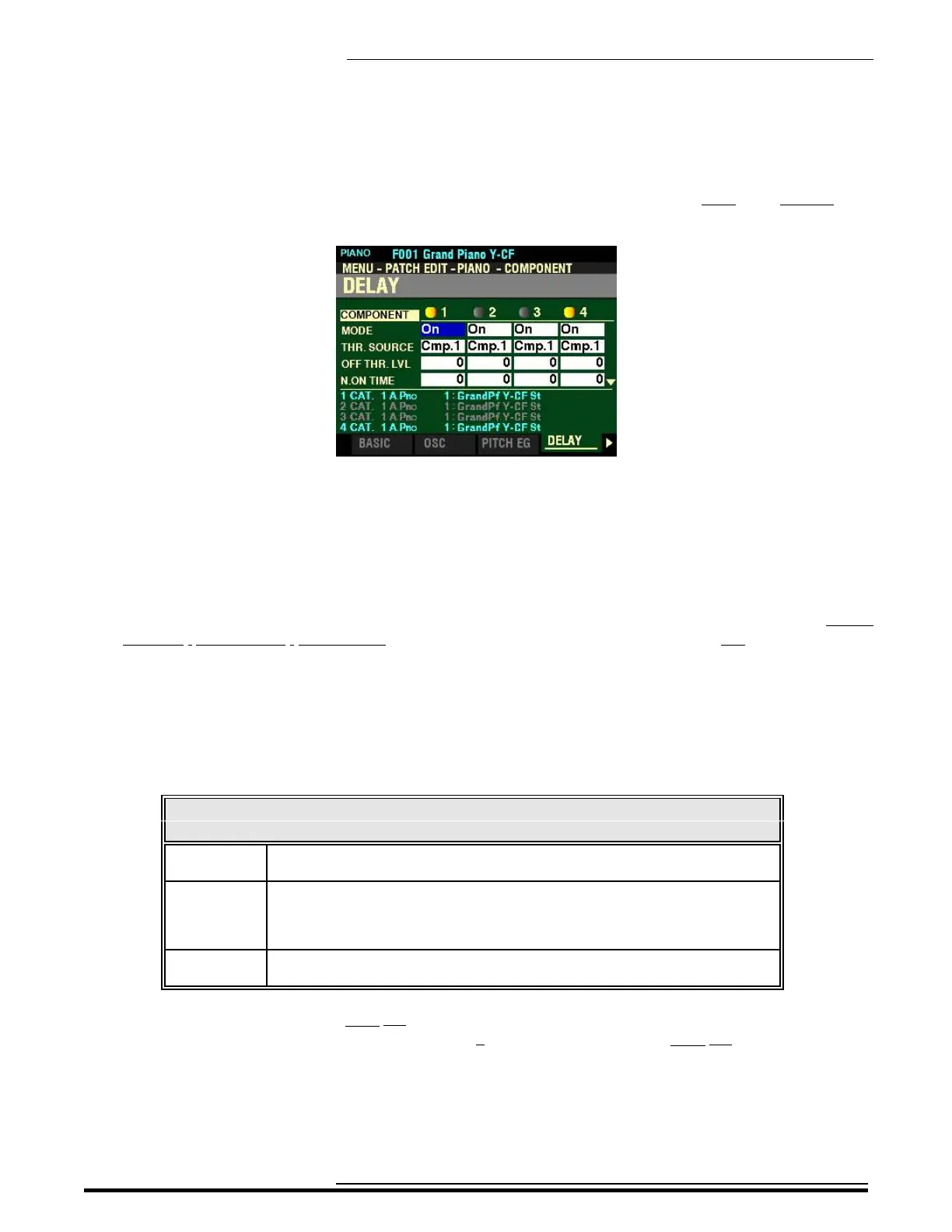
From the shown at the bottom of the previous page, press the PAGE “u” button once. The DELAY Page
should now display.
The box to the right of “MODE” should be highlighted.
DELAY Parameters
These allow you to adjust the note delay characteristics of the selected Component.
NOTE: Do not confuse this Parameter with the DELAY MULTI EFFECT Parameter (explained in the MULTI
EFFECT / OVERDRIVE / EQUALIZER chapter of this Guide starting on page ?). This is not an effect meant to
replicate a tape-delay unit. For a complete explanation of this Parameter, see the following paragraphs and
pages.
MODE
This Parameter allows you to select how the notes will sound. The data chart below shows the options
you can select.
DELAY MODE
Parameter Description
On When the note is “ON” the selected Component sounds at the Note On Delay
Time. When the note is “OFF” the sound will stop after the Note Off Delay Time.
Off Vel The selected Component does not sound even if the note is “ON” If the note is
“OFF” it will sound if the Amplitude EG level of the referenced Component is
above the Note Off Threshold Level. The velocity of the note will be determined
by the velocity with which the key is depressed.
Off EG Similar to Note Off Vel, except that the velocity of the note will be determined by
the level of the Amplitude EG of the referenced Component.
NOTE: Using one of the Note Off settings may cause played notes to cipher or “stick on.” To avoid this,
set the Sustain Level of the Amplitude EG at 0 if you are using one of the Note Off settings.
HA<O> SKX PRO Reference Guide



 To Next Page