355
MONO SYNTH Voice Section
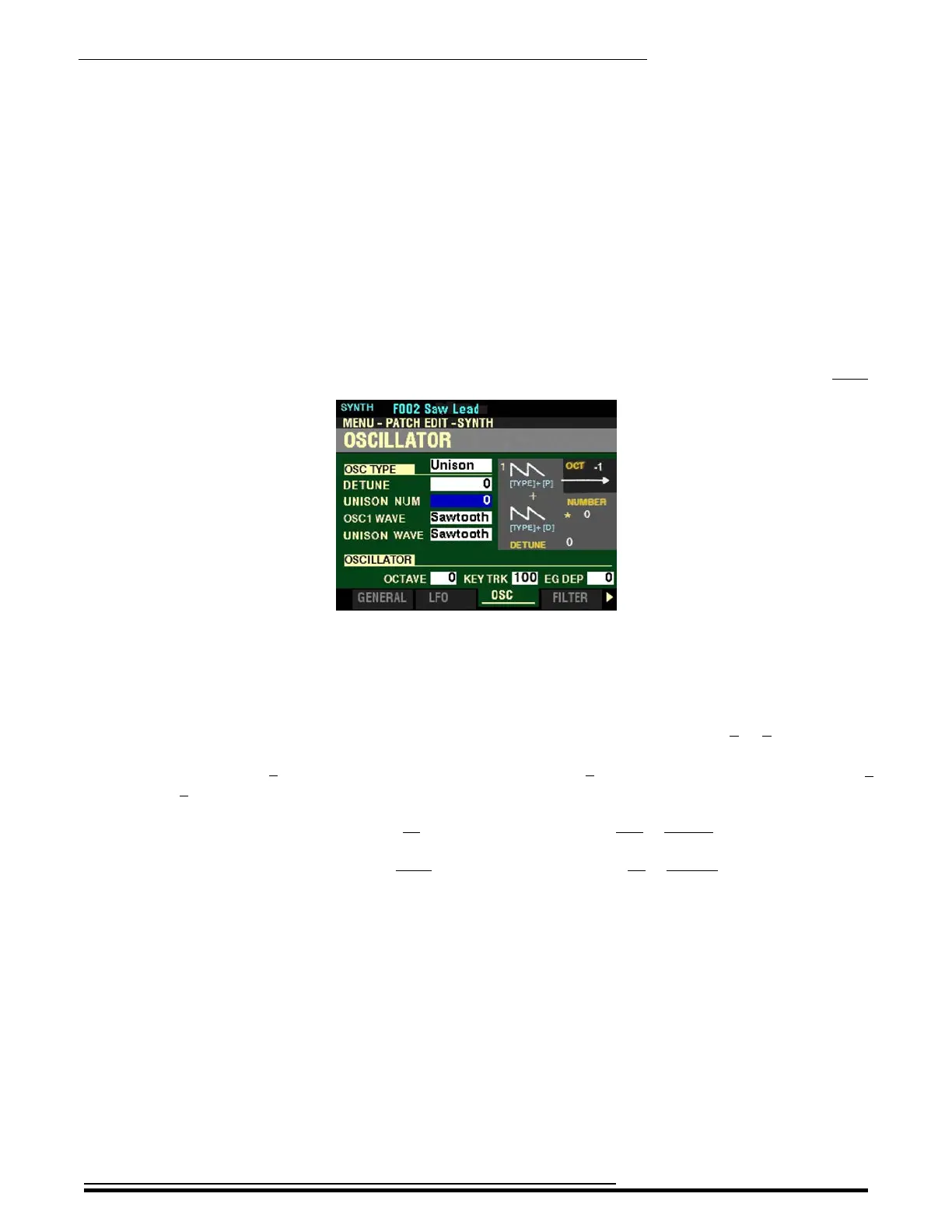
From the screen shown at the bottom of the previous page, press the DIRECTION “q” button once.
The box to the right of “UNISON NUM” should be highlighted.
UNISON NUM
This Parameter allows you to select the number of Oscillators. You can select from 0 to 6.
NOTE: A setting of 6 will result in seven (7) Oscillators sounding. 1 will be the first Oscillator (OSC1) while 1
through 6 will be the secondary or other Oscillators.
Move the OSCILLATOR DEPTH slider up or turn the VALUE knob to the right to increase the number of Oscillators.
Move the OSCILLATOR DEPTH slider down or turn the VALUE knob to the left to decrease the number of Oscillators.
HA<O> SKX PRO Reference Guide



 To Next Page