532
Multi Effect 2
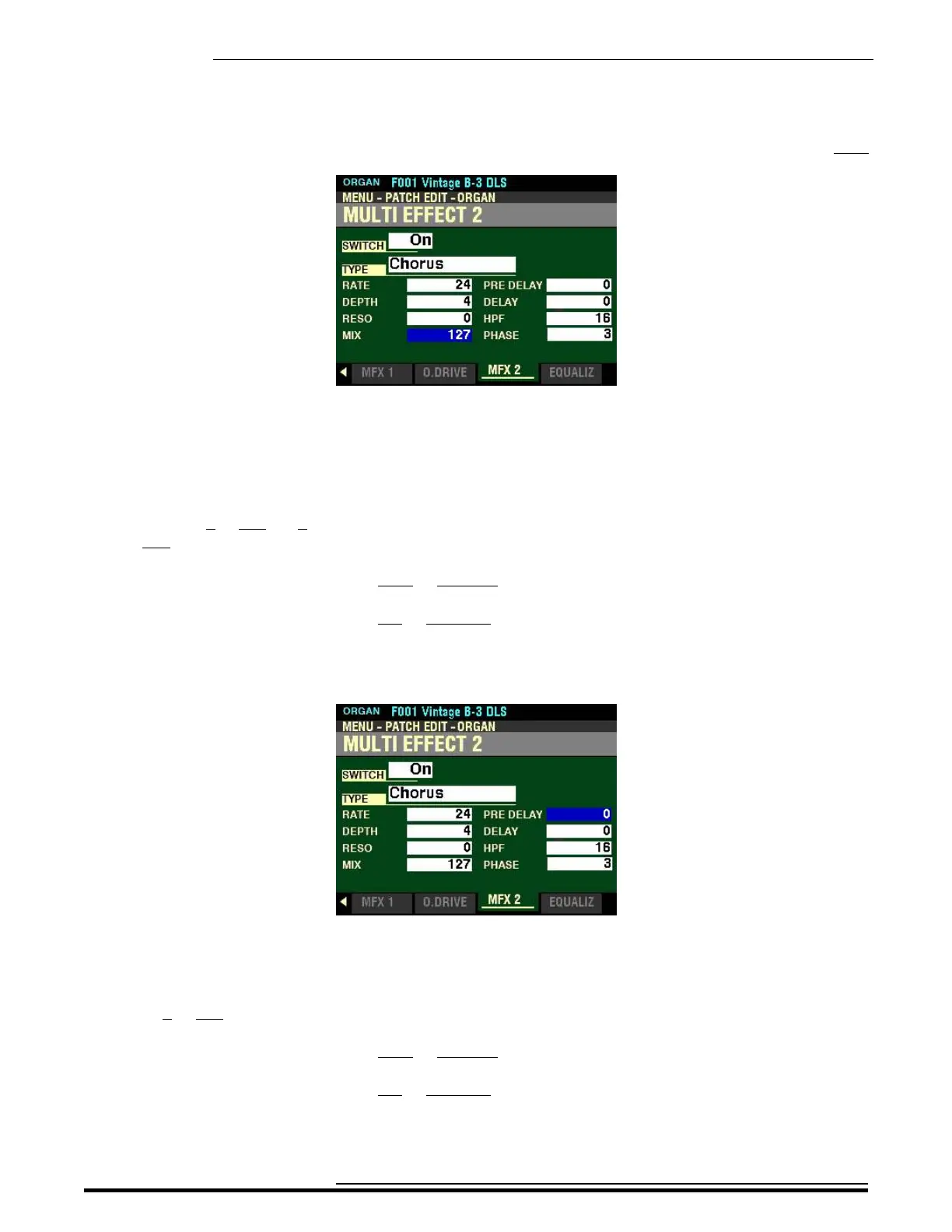
From the screen shown at the bottom of the previous page, press the DIRECTION “q” button once.
The box to the right of “MIX” should be highlighted.
MIX
This Parameter allows you to adjust the volume balance between the “dry” and the effect sound. You can
select from 0 to 127. At 0, only the “dry” is heard. The effect level becomes greater as the value increases.
At 127 the ratio between the “dry” and the effect sounds becomes 1:1.
Turn the VALUE knob to the right to increase the amount of Phasing.
Turn the VALUE knob to the left to decrease the amount of Phasing.
From the above screen, use the DIRECTION “p” and “u”buttons to highlight the box to the right of
“PRE DELAY”
PRE DELAY
This Parameter allows you to delay the signal for a channel even if the source is Monaural. You can select
from 0 to 127. A higher value creates a time difference between Left and Right to the effect sound.
Turn the VALUE knob to the right to increase the Pre-Delay.
Turn the VALUE knob to the left to decrease the Pre-Delay.
HA<O> SKX PRO Reference Guide



 To Next Page