584
Special Performance Features
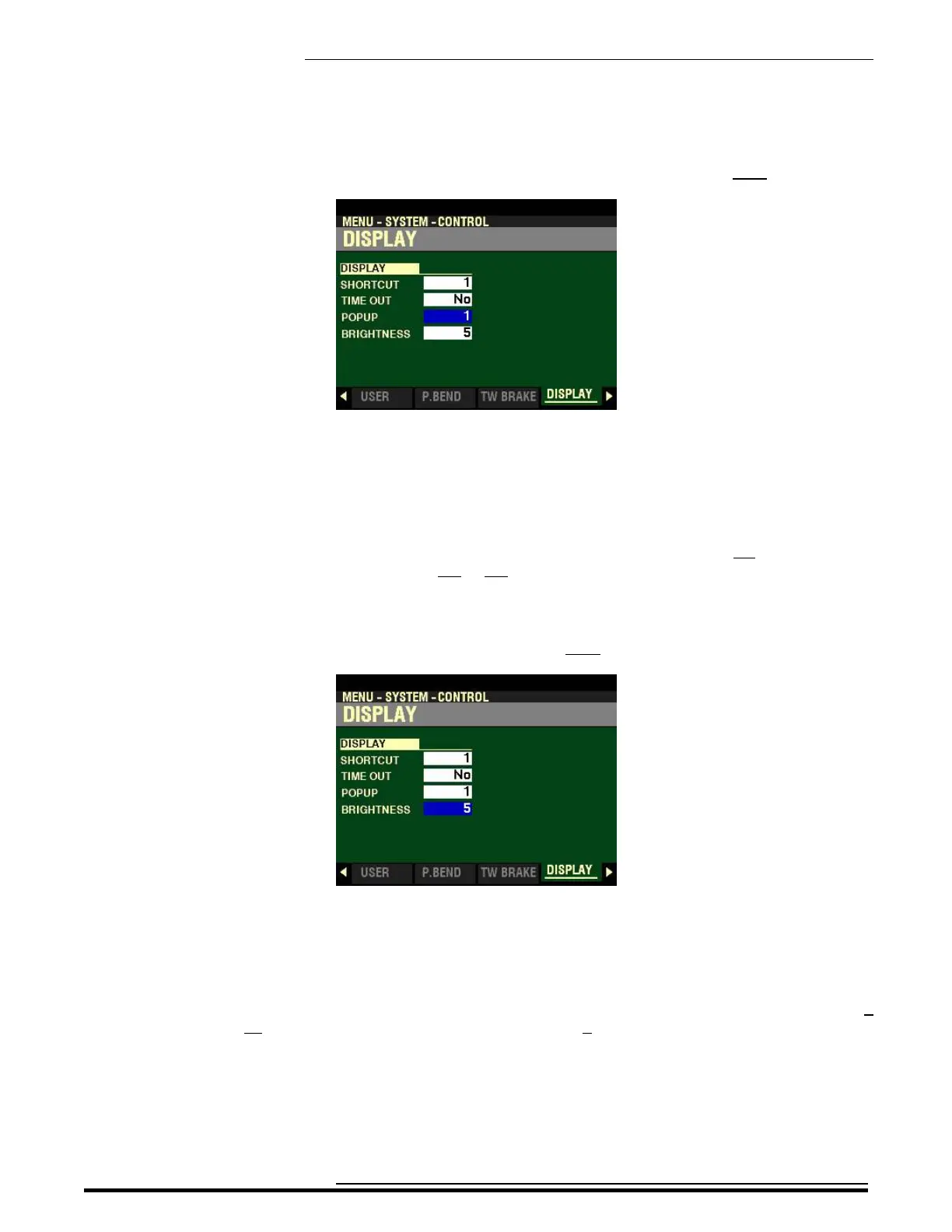
From the screen shown on the previous page, press the DIRECTION “q” button once.
The box to the right of “POPUP” should be highlighted.
POPUP
This Parameter allows you to select the interval at which a “Pop Up” is displayed when you move a knob
such as REVERB or one of the Voice Section VOLUME controls. You can select from No (no Pop Up will
be displayed if a control is moved) or from 0.5 to 2.0 seconds.
Turn the VALUE knob to make your selection.
From the above screen, press the DIRECTION “q” button once.
The box to the right of “BRIGHTNESS” should be highlighted.
BRIGHTNESS
This Parameter allows you to adjust the brightness of the backlight of the display. You can select from 0
(dull display) to 10 (very bright display). The default setting is 5.
Turn the VALUE knob to make your selection.
HA<O> SKX PRO Reference Guide



 To Next Page