36
Information Center Display
u APP (APPLICATION) MENUS
A new feature being introduced on the SKX PRO series of instruments is the APP (APPLICATION) MENUS.
These allow you to perform various editing procedures more quickly and easily.
There are different APP MENUS for different portions of the instrument. The following pages will list each
one of the APP MENUS and the portions of the instrument to which they apply. More detailed descriptions
os each APP MENU will be found in later chapters of this Guide.
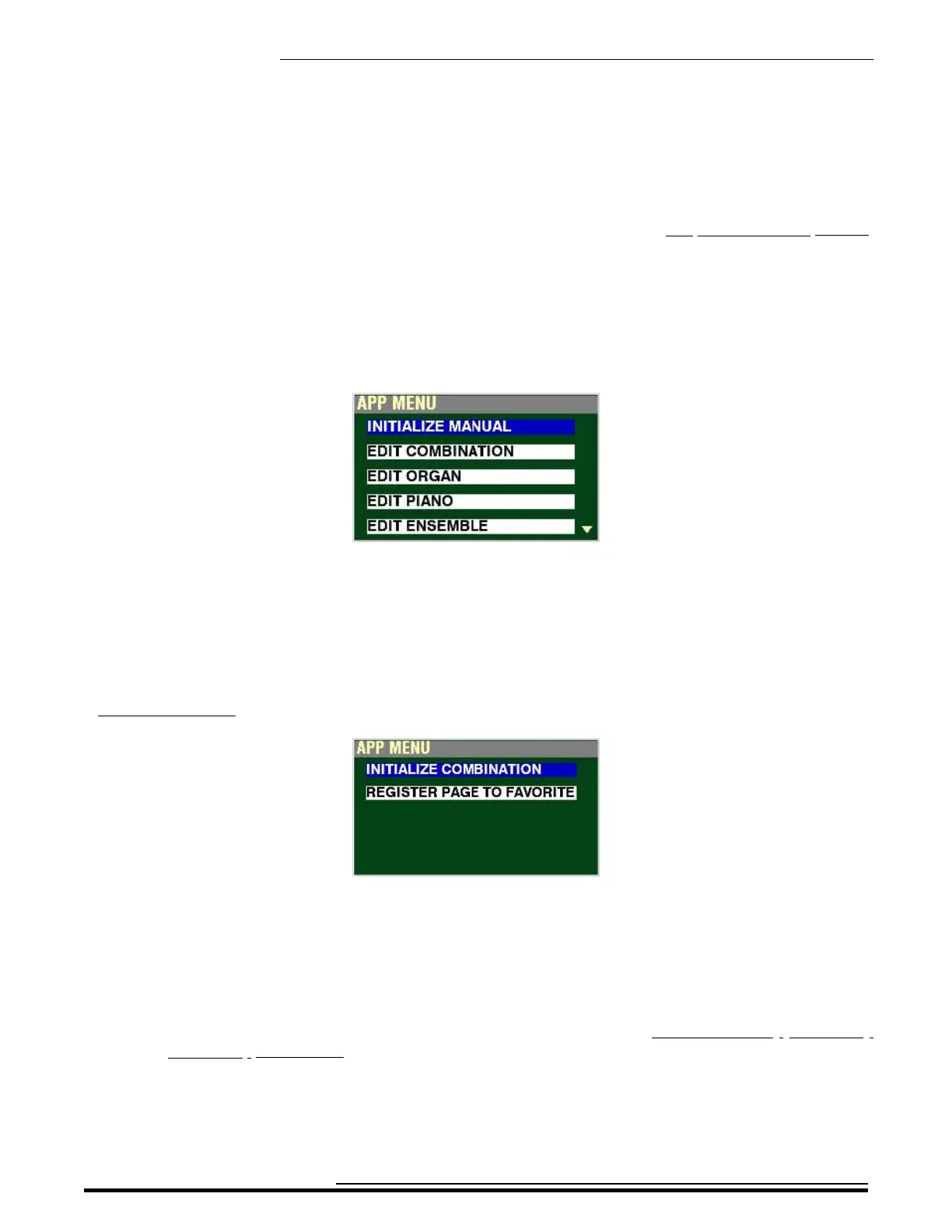
t Voice Sections and MANUAL
This APP MENU allows you to access the EDIT mode of each of the Voice Sections of the instrument
as well as initialize the MANUAL feature.
NOTE: More information about the Voice Sections can be found in later chapters of this Guide.
NOTE: More information about the MANUAL feature can be found starting on page 140.
t COMBINATION APP MENU
This APP MENU allows you to:
1. Initialize all the Parameters in the currently selected Combination,
2. Register the current FUNCTION Mode Page to one of the FAVORITE buttons for quick
access.
NOTE: More information about Combinations can be found in the COMBINATIONS / PATCHES /
BUNDLES / FAVORITES chapter of this Guide starting on page 51.
HA<O> SKX PRO Reference Guide



 To Next Page