52
Combinations / Patches / Bundles / Favorites
COMBINATIONS / PATCHES / BUNDLES / FAVORITES
Your SKX PRO contains a large number of different types of sounds and a large number of ways to
customize and tailor those sounds. In addition, many of the different types of sounds can be blended or
mixed with each other to produce many unique tone colors. In the organ world, this mixing, blending
and tailoring of sounds is called Registration.
u COMBINATIONS
On the SKX PRO, there are four sound-producing divisions or Sections:
1. ORGAN
2. PIANO
3. ENSEMBLE
4. MONO SYNTH
Each Voice Section has sounds and Parameters which together constitute a Patch. Patches from the
different Voice Sections are combined to produce a Combination.
t COMBINATION FUNCTION Mode
In addition to the Voice Sections, there are additional Parameters which are included in a Combination
regardless of how many Voice Sections may also be included. The COMBINATION FUNCTION Mode
allows you to modify the characteristics which are included in Combinations and are not specific to a
particular Voice Section. All these Parameters can be Recorded to a Combination.
Accessing the COMBINATION FUNCTION Mode using the MENU/EXIT button:
TRY THIS:
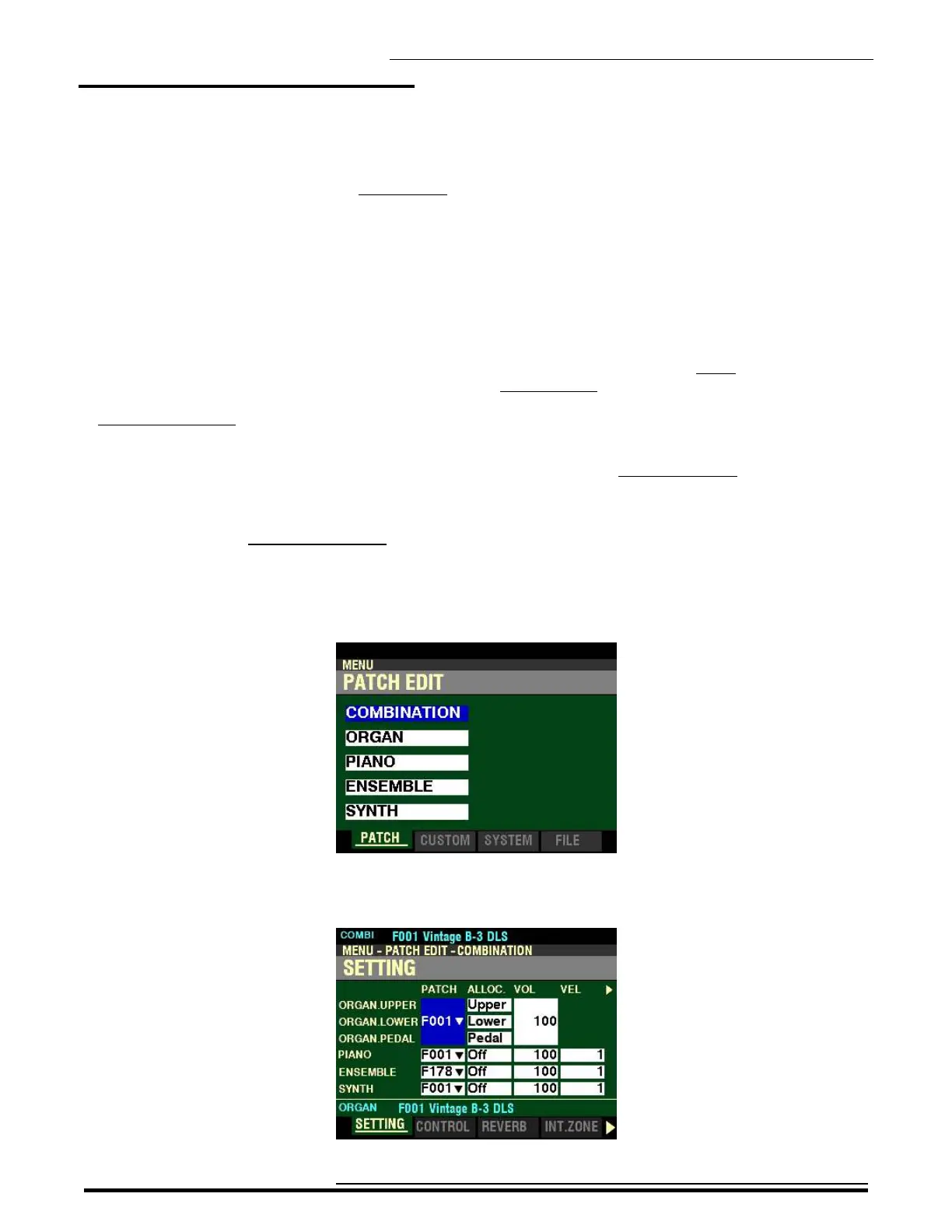
1. From any of the PLAY Mode Pages, press the MENU/EXIT button. The Information Center
Display should now look like this:
The “COMBINATION” box should be highlighted.
2. Press the ENTER button. The Information Center Display should now look like this:
HA<O> SKX PRO Reference Guide



 To Next Page