346
MONO SYNTH Voice Section
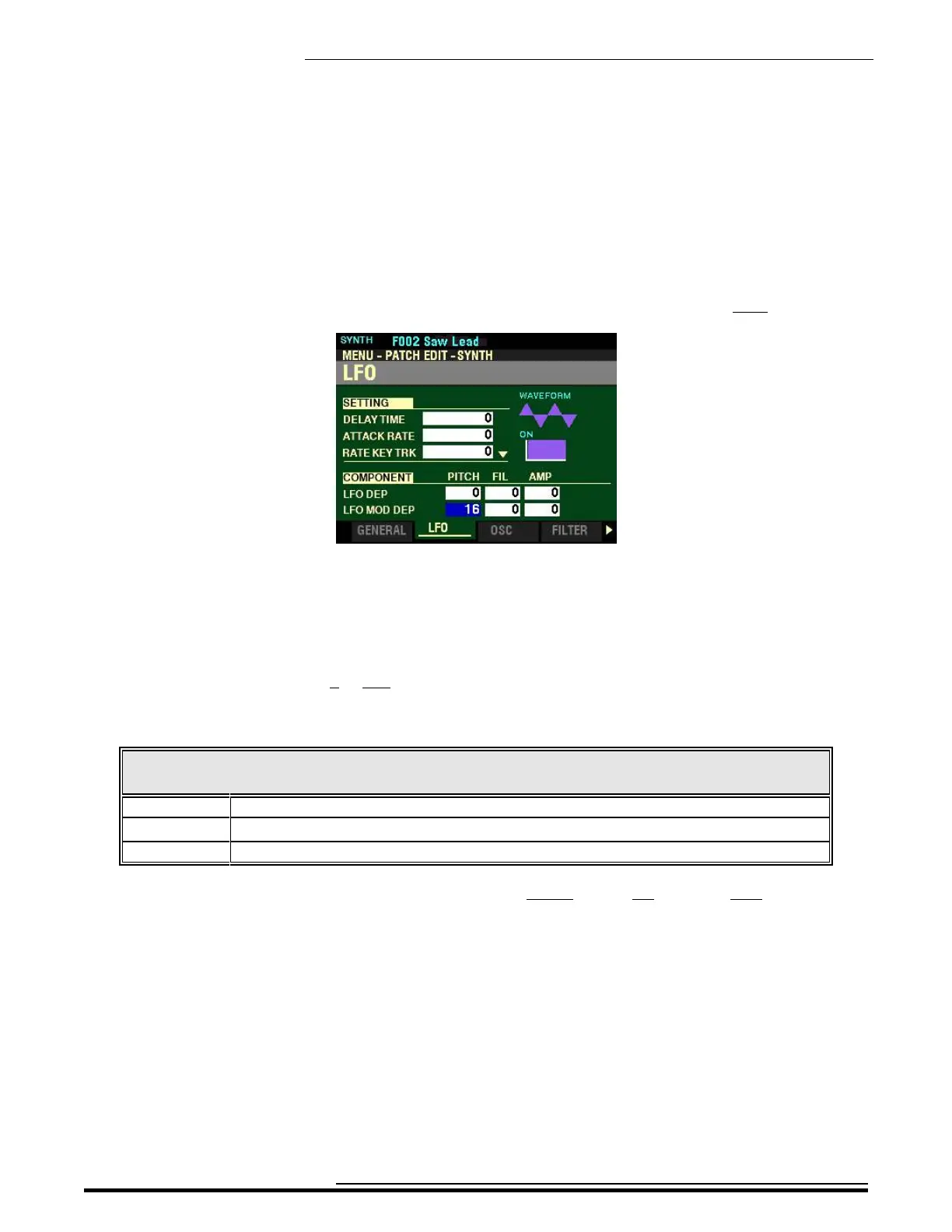
From the screen shown on the previous page, press the DIRECTION “q” button once.
The box to the right of “LFO MOD DEP” should be highlighted.
LFO MOD DEP
These three Parameters allow you to adjust the maximum depth of the LFO added by the Modulation
Wheel. You can select from 0 to 127.
The data chart below shows the options you can select.
LFO MOD DEPTH Options
Parameter Description
PITCH Allows you to adjust the maximum depth of the LFO for controlling Pitch.
FIL Allows you to adjust the maximum depth of the LFO for controlling the Filter
AMP Allows you to adjust the maximum depth of the LFO for controlling Amplitude or Level.
Use the DIRECTION “t” and “u” buttons to select PITCH (Pitch), FIL (Filter) or AMP (Amplitude).
Turn the VALUE knob to make your selection.
HA<O> SKX PRO Reference Guide



 To Next Page