443
CUSTOM SETS - Pipe
After you have selected which Pipe Voice you want to edit, you can make the following changes:
PIPE VOICE EDIT Options
Description Function
VOLUME Allows you to set the Volume for the selected Pipe Voice.
FOOTAGE Allows you to select the pitch range for the selected Pipe Voice.
DETUNE Allows you to detune the selected Pipe Voice.
TREMULANT Allows you to turn Tremulant “ON” or “OFF” for the selected Pipe Voice.
CHIFF Allows you to set the amount of Chiff or attack for the selected Pipe Voice.
CUTOFF Allows you to set the brightness of the selected Pipe Voice by setting its Filter Cutoff point.
PAN L-R Allows you to set the directionality of the selected Pipe Voice.
IMAGING Allows you to simulate pipe chest configurations for the selected Pipe Voice.
The following pages give a more detailed explanation of how these Parameters work.
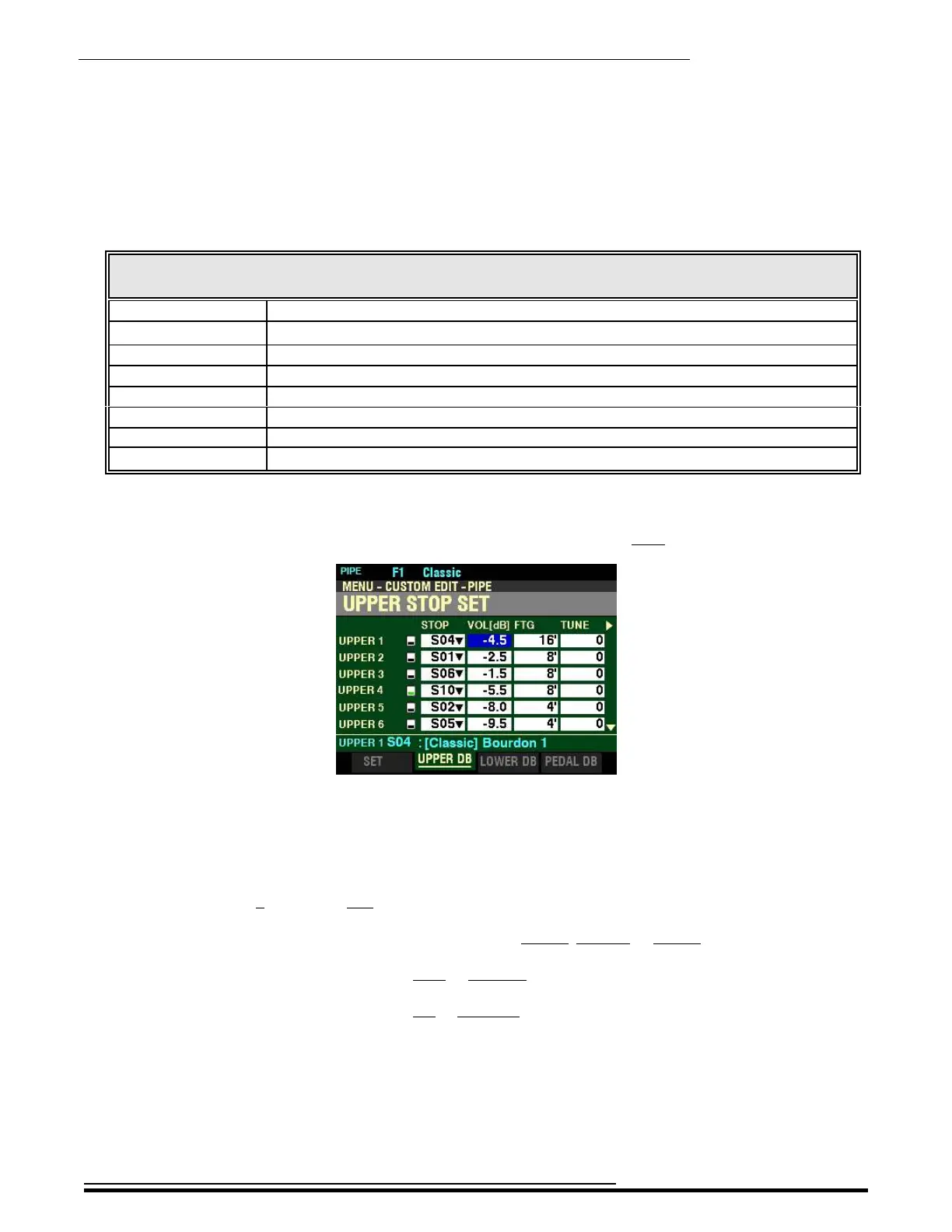
From the screen shown on page 441, press the DIRECTION “u” button once.
The box underneath “VOL(db)” should be highlighted.
VOL(db) - Pipe Voice Volume
This Parameter allows you to adjust the Volume of the selected Pipe Voice. You can select a Volume
setting from 0 (softest) to 127 (loudest).
Use the PAGE “t” and “u” buttons to select UPPER, LOWER or PEDAL Stop Sets.
Turn the VALUE knob to the right to increase the volume of the selected Pipe Voice.
Turn the VALUE knob to the left to decrease the volume of the selected Pipe Voice.
HA<O> SKX PRO Reference Guide



 To Next Page