678
Using Memory
u Using Internal Memory
In addition to memory available from a USB Flash Drive, your Hammond SKX PRO contains Internal
Memory which is accessible via the USB TO HOST port. The following pages will explain how to use this
feature.
t USB - USB TO HOST
In order to make use of the Internal Memory of the SKX PRO:
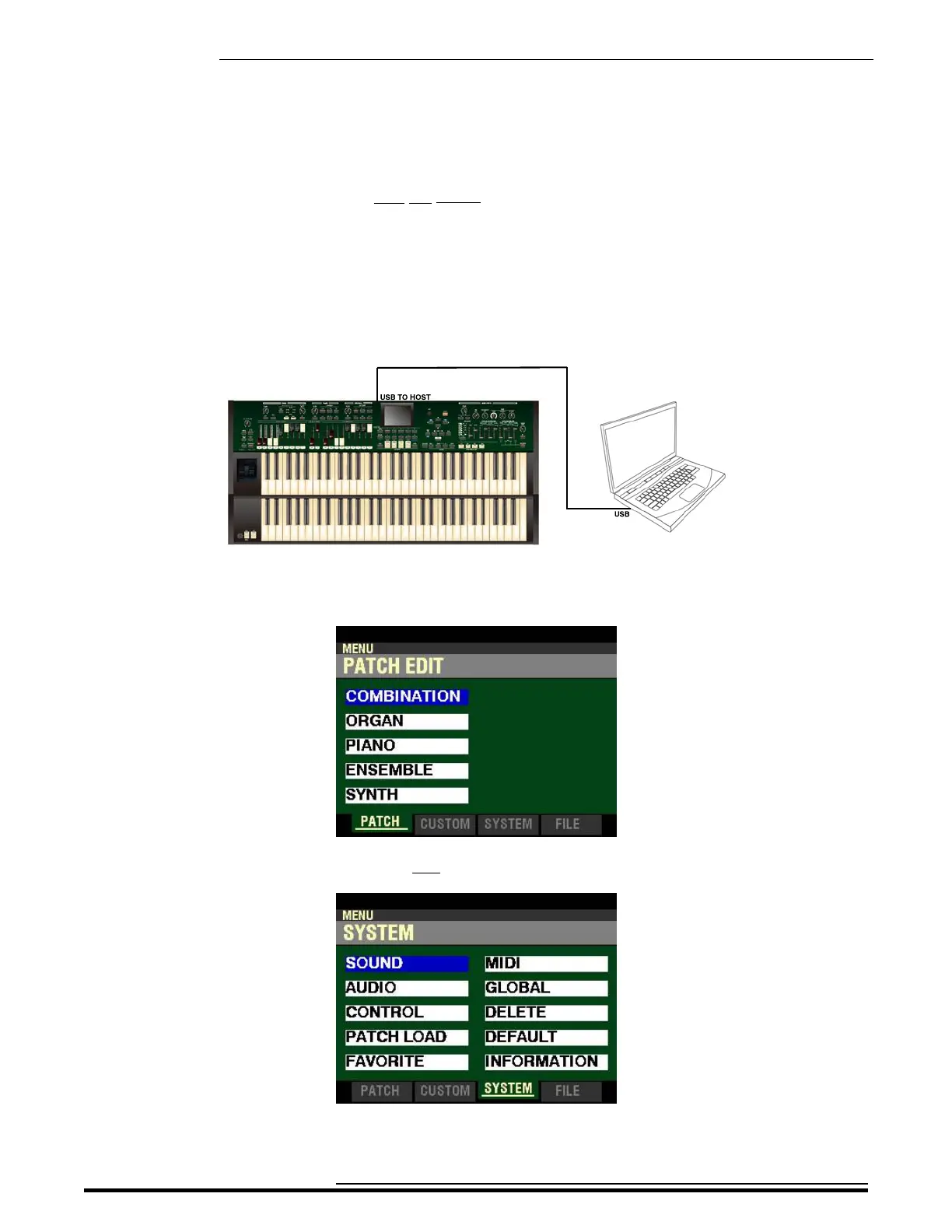
1. Connect the computer you want to use as the Host to the TO HOST (see the figure below).
2. From any of the PLAY Mode Pages, press the MENU/EXIT button. The Information Center
Display should now look like this:
3. Press the PAGE “u” button two times to highlight the “SOUND” box.
HA<O> SKX PRO Reference Guide



 To Next Page