75
Combinations
t EXTERNAL ZONES
This FUNCTION Mode Page allows you to change the characteristics of the External Zones of your SKX
PRO. All of these Parameters can be Recorded to a Combination.
t Using External Zones
The External Zones present the most flexible method for using the SKX PRO to control an external MIDI
instrument (synthesizer, sound module, digital workstation or a MIDI-equipped Hammond Organ or
Keyboard).
Please consult the Owner’s Manual or Reference Guide for your particular instrument or software for
information regarding the Program Numbers and Bank Numbers for specific sounds, plus Controller
Numbers for specific functions.
IMPORTANT NOTE: Hammond’s standard protocol is to transmit and receive UPPER, LOWER and
PEDAL MIDI data on MIDI Channels 1, 2 and 3 respectively. If you connect the SKX PRO to the MIDI device
you want to control, all MIDI messages from the SKX PRO - Note On/Note Off, Program Changes,
Controller Changes, etc. - will be “mirrored” on the connected device. Please consult the MIDI Template
portion of this chapter (starting on page 595) and select the correct EXZ Template BEFORE you set the
EXTERNAL ZONE parameters below.
NOTE: Both Internal and External Zones are also covered in the MIDI chapter of this Guide.
EXTERNAL ZONE MASTER ON / OFF
As will be explained, External Zones can be turned “ON” or “OFF” individually for UPPER, LOWER and
PEDAL. However, in order for MIDI data to be transmitted from External Zones, the MASTER ON / OFF
Parameter must be set to “On.” If it is set to “Off,” no External Zone data will be transmitted even if
individual External Zones are “On.”
To enable transmission of External Zone MIDI data, do the following:
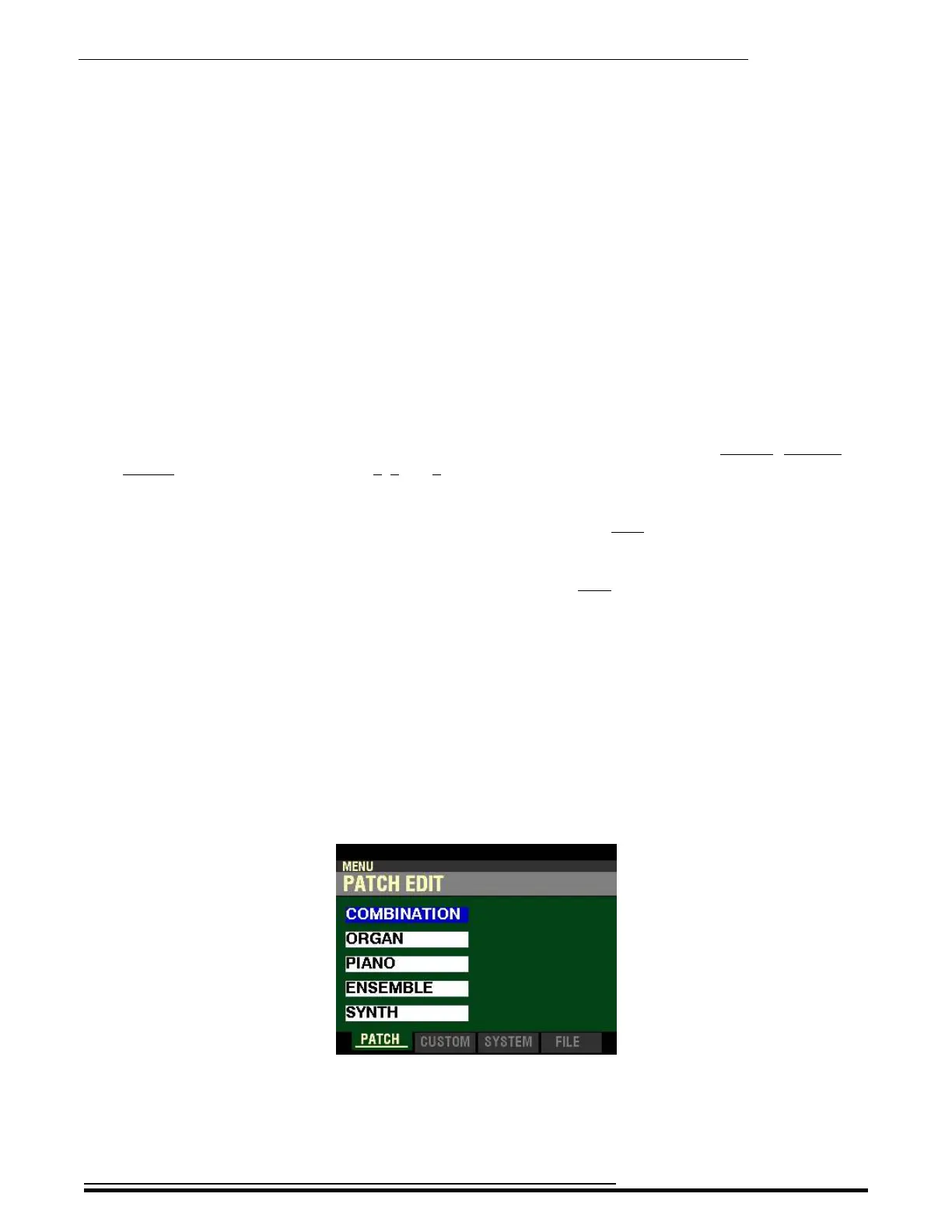
1. From any of the PLAY Mode Pages, press the MENU/EXIT button. The Information Center
Display should now look like this:
HA<O> SKX PRO Reference Guide



 To Next Page