26
Information Center Display
t MENU Mode - FILE
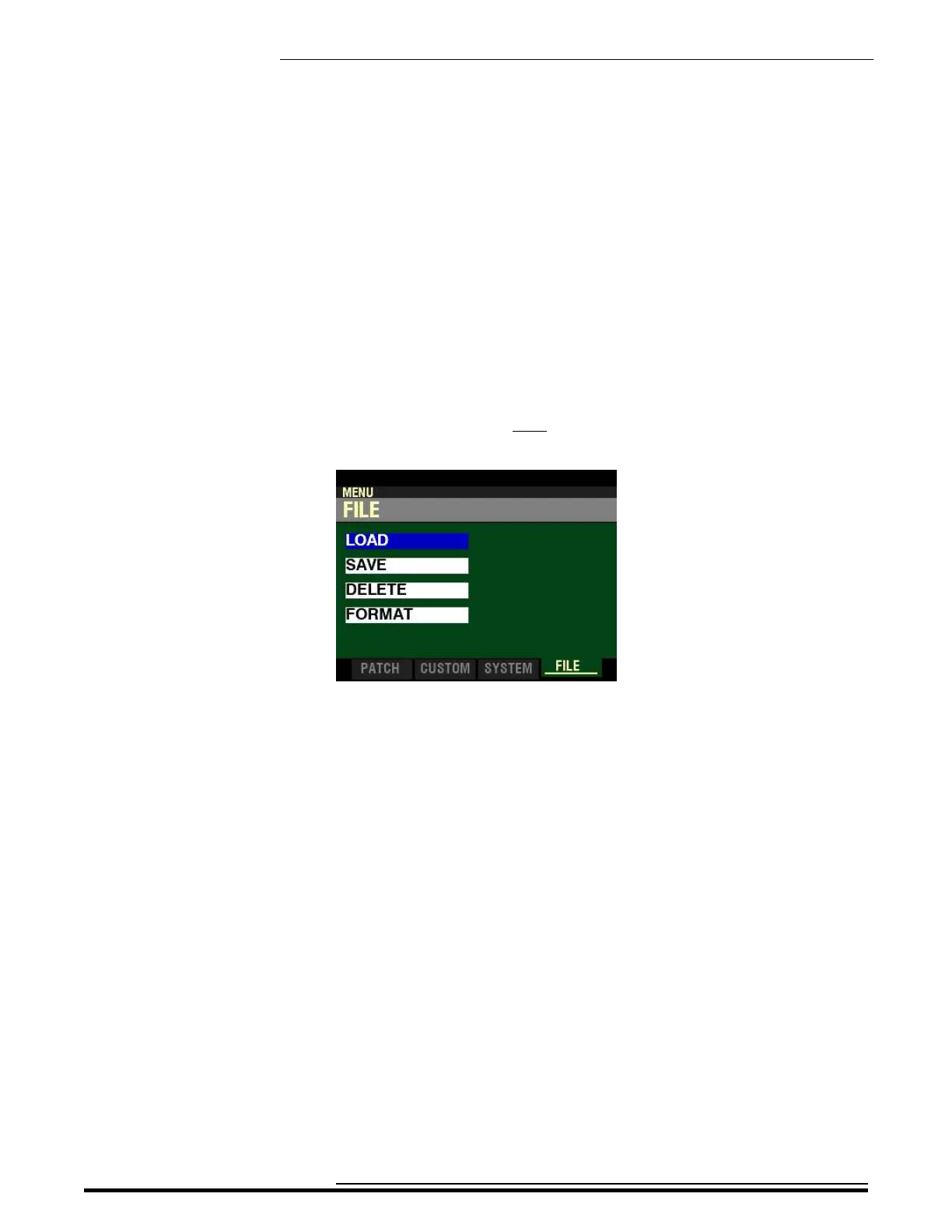
From the SYSTEM Screen, press the PAGE “u” button once. The Information Center Display should now
look like this:
Four (4) FUNCTION Modes should now appear in the display window.
Using the PAGE NAVIGATION and ENTER buttons will allow you to select the FUNCTION Mode you want
to change.
LOAD - Allows you to Load data from a USB Flash Drive or from the instrument’s Internal Memory.
SAVE - Allows you to Save data to a USB Flash Drive or the instrument’s Internal Memory.
DELETE - Allows you to Delete data from a USB Flash Drive or from the instrument’s Internal Memory.
FORMAT - Allows you to format a USB Flash Drive for use with your SKX PRO.
HA<O> SKX PRO Reference Guide



 To Next Page