243
PIANO / ENSEMBLE Voice Sections
t PATCH
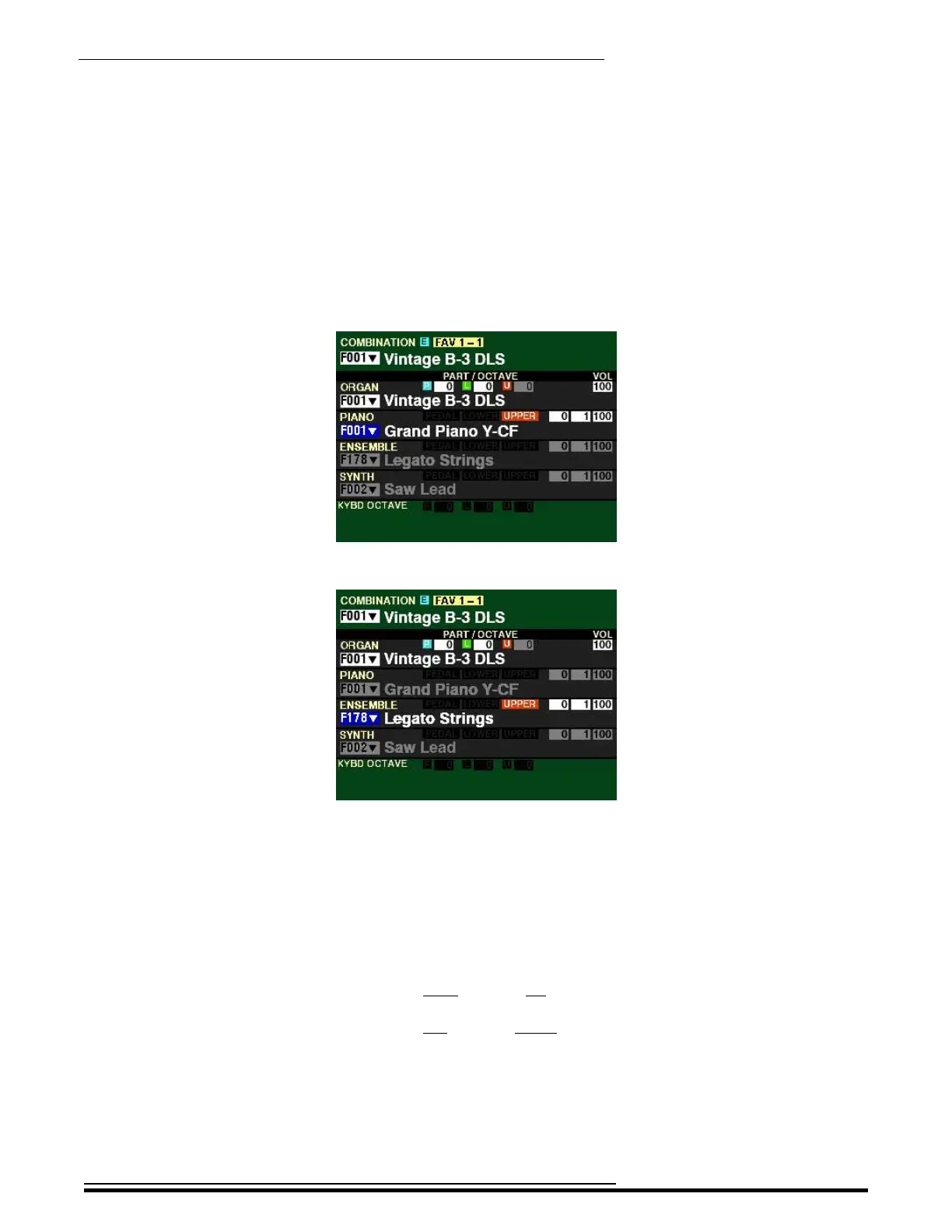
From the above screen, press the DIRECTION “q” button until the Information Center Display
looks similar to this:
PIANO Voice Section:
ENSEMBLE Voice Section:
The box to the left of the Patch Name should now be highlighted.
NOTE: The Parameters for the PIANO and ENSEMBLE Parameters are identical: therefore from this
point forward for the explanation of each Parameter, the PIANO Patch will be shown at the top of the
screen.
You can now use the VALUE knob to select the available Patches for the selected Voice Category.
Turn the VALUE knob to the right to scroll up numerically through the Patches.
Turn the VALUE knob to the left to scroll down numerically through the Patches.
HA<O> SKX PRO Reference Guide



 To Next Page