425
CUSTOM SETS - Leslie
t REGISTER PAGE TO FAVORITE
This allows you to register the current Page to one of the FAVORITE buttons for quick access.
To register the current Page to a FAVORITE, do the following:
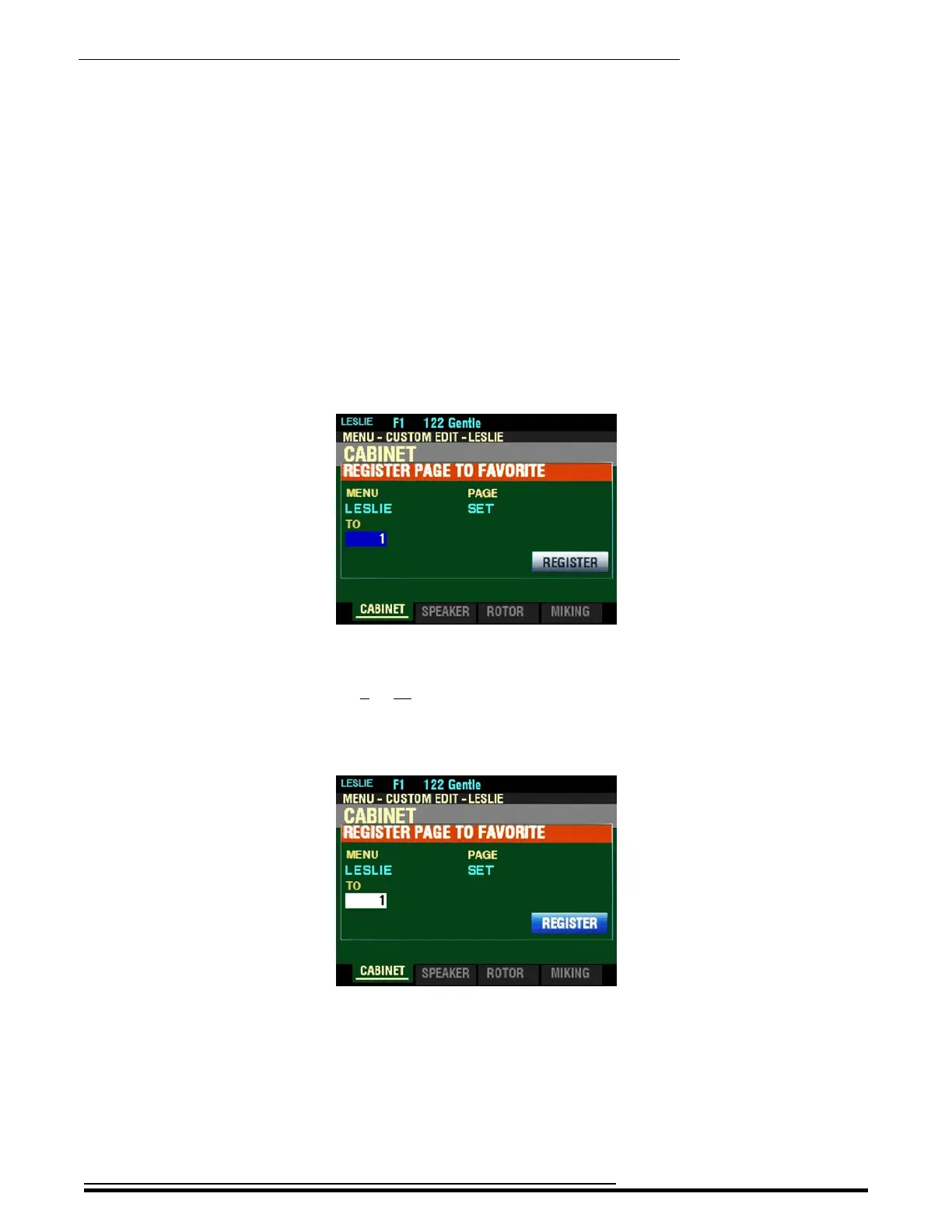
1. From the screen shown at the bottom of the previous page, press the ENTER button. The
Information Center Display should look like this:
2. Use the VALUE knob to select which FAVORITE button you want to recall the selected Page.
You can select from 1 to 10.
3. After you have made your selection, press the DIRECTION “q” button to highlight the
“REGISTER” box.
HA<O> SKX PRO Reference Guide



 To Next Page