461
Multi Effect 1
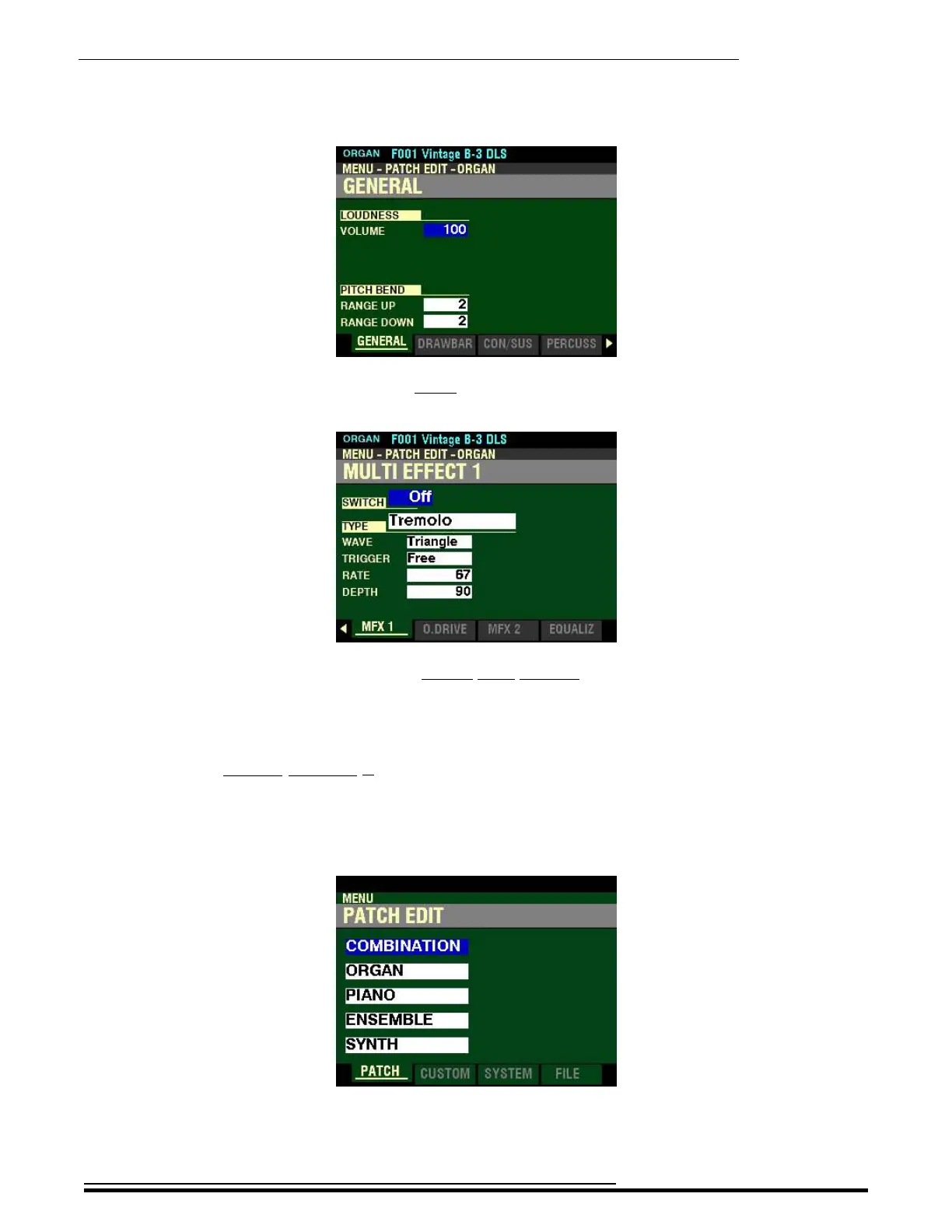
4. Press the ENTER button. The Information Center Display should now look like this:
5. Press the PAGE “u” button seven times. The Information Center Display should now look
like this:
You are now in Page 8 of the PATCH EDIT -ORGAN FUNCTION Mode. You can now use the
DIRECTION and PAGE buttons in conjunction with the VALUE knob to make various changes
to the characteristics of the ORGAN sounds.
t Accessing the MULTI EFFECT 1 FUNCTION Mode Page for the PIANO / ENSEMBLE Voice
Sections using the MENU/EXIT button:
1. From any of the PLAY Mode Pages, press the MENU/EXIT button. The Information Center
Display should now look like this:
The “COMBINATION” box should be highlighted.
HA<O> SKX PRO Reference Guide



 To Next Page