24
Information Center Display
u MENU Mode
The MENU Mode has 4 Pages.
t MENU Mode - PATCH EDIT
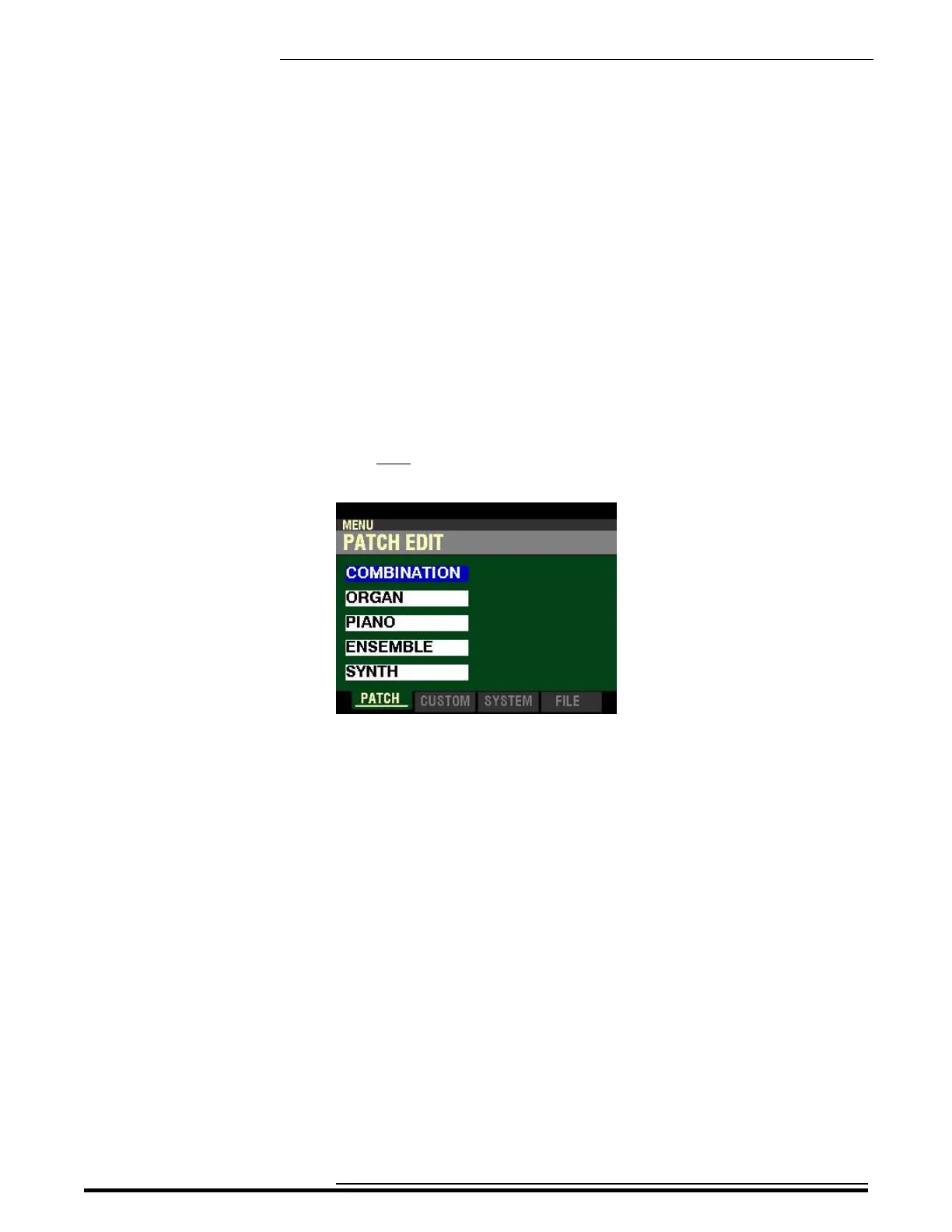
If you press the MENU/EXIT button once from any of the PLAY Mode Pages, the Information Center Display
should look like this:
Five (5) FUNCTION Modes should now appear in the display window.
Using the DIRECTION UP (“p”) and DOWN (“q”) buttons will allow you to select the FUNCTION Mode
you want to change.
COMBINATION - Allows you to edit Combination Parameters.
ORGAN - Allows you to edit ORGAN Patches.
PIANO - Allows you to edit PIANO Patches.
ENSEMBLE - Allows you to edit ENSEMBLE Patches.
SYNTH - Allows you to edit MONO SYNTH Patches.
HA<O> SKX PRO Reference Guide



 To Next Page