170
ORGAN Voice Section
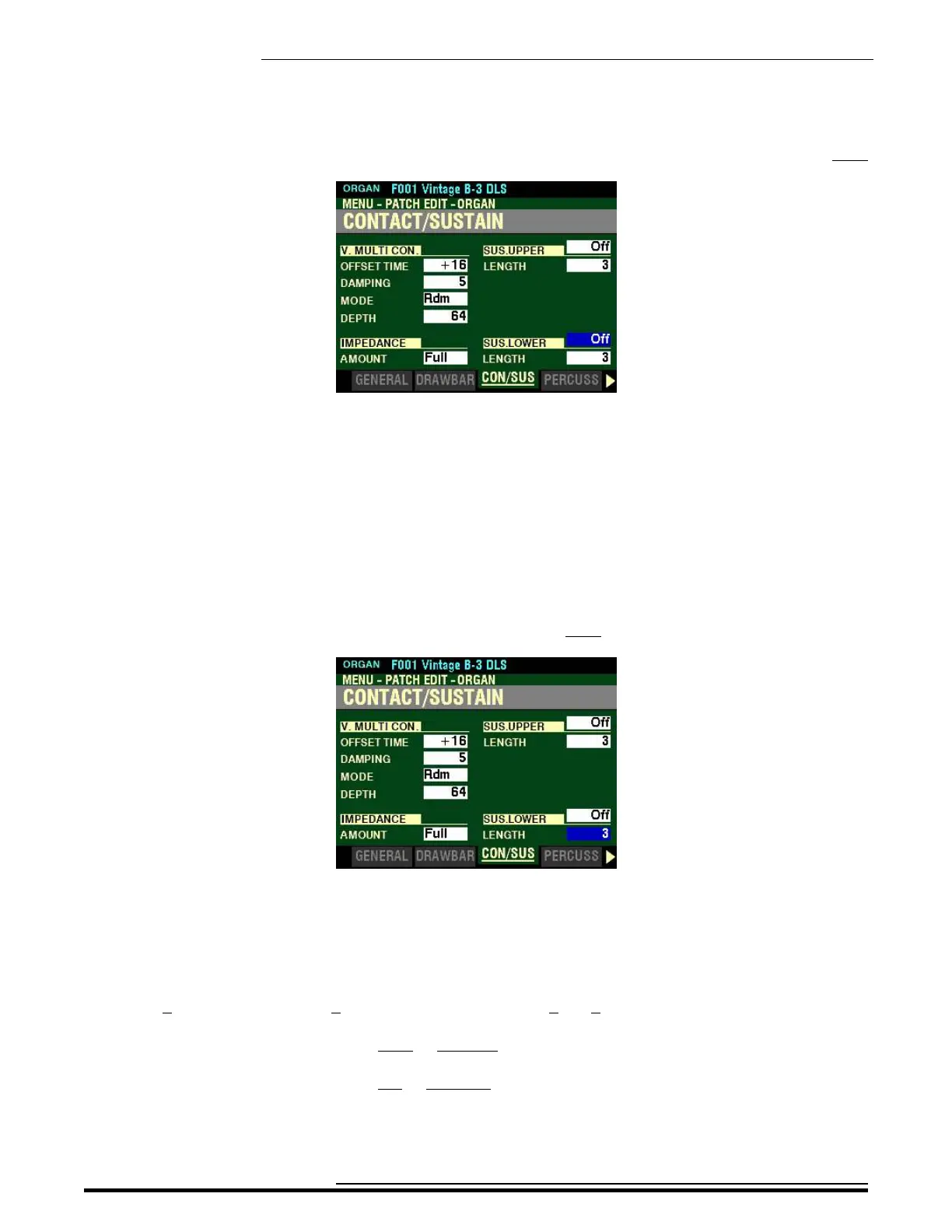
From the screen shown at the bottom of the previous page, press the DIRECTION “q” button once.
The box to the right of “SUS LOWER” should be highlighted.
SUS.LOWER
SWITCH
This Parameter allows you to turn Sustain “ON” or “OFF” on the LOWER Part.
Turn the VALUE knob to turn LOWER Sustain “ON” or “OFF..”
From the above screen, press the DIRECTION “q” button once.
The box to the right of “LENGTH” should be highlighted.
LENGTH
This Parameter allows you to adjust the length of the Sustain effect for the LOWER Part. You can select
from 1 (shortest amount) to 5 (longest amount) as well as 0. At 0 there is no Sustain.
Turn the VALUE knob to the right to increase the LOWER Sustain Length.
Turn the VALUE knob to the left to decrease the LOWER Sustain Length.
HA<O> SKX PRO Reference Guide



 To Next Page