483
Multi Effect 1
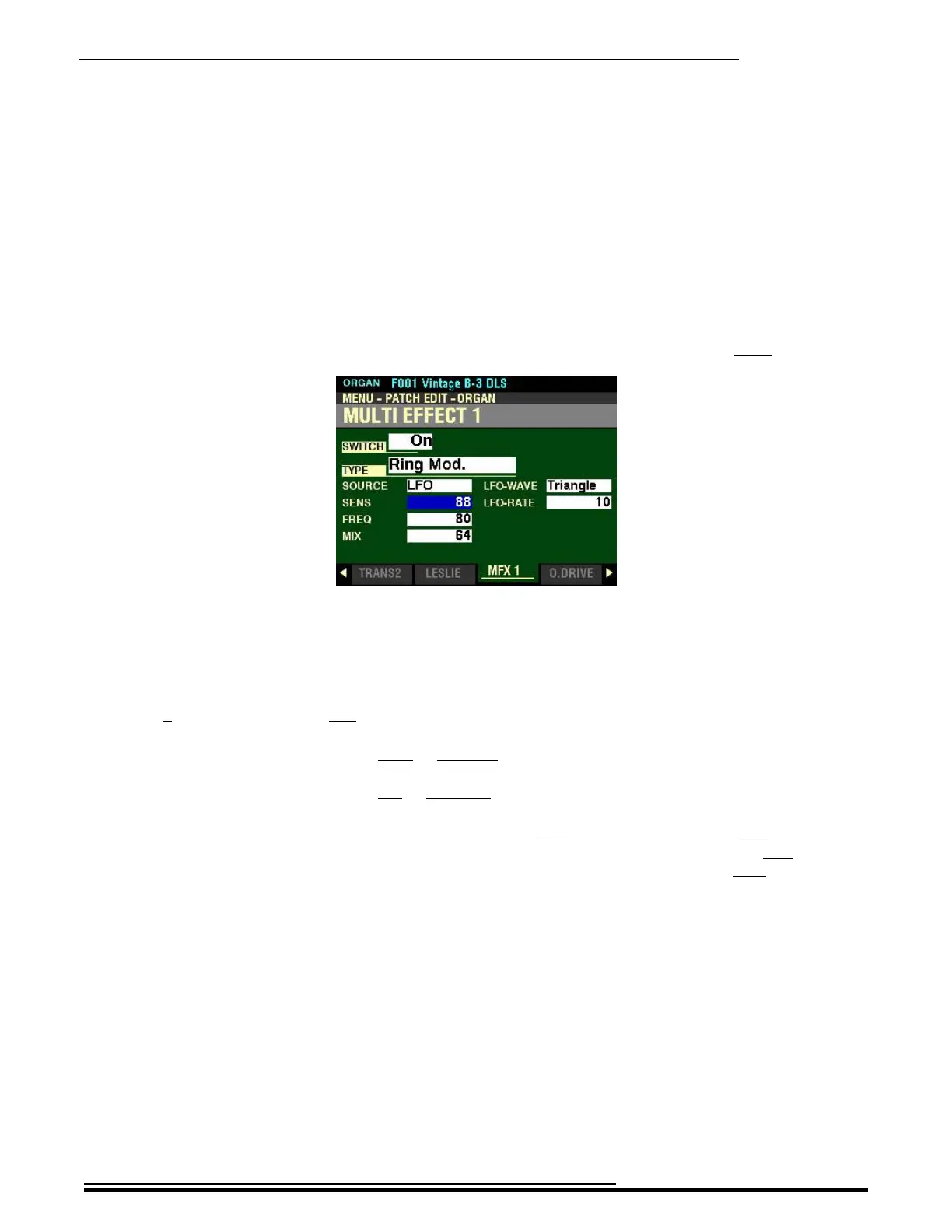
From the screen shown on the previous page, press the DIRECTION “q” button once.
The box to the right of “SENS” should be highlighted.
SENS - Ring Modulator Sensitivity
This Parameter allows you to sets the High and Low ranges of the Ring Modulator effect. You can select
from 0 (minimum range) to 127 (maximum range).
Turn the VALUE knob to the right to increase the range.
Turn the VALUE knob to the left to decrease the range.
NOTE: The effect of this Parameter depends on the SRC (Source) setting. When LFO is selected, the
VALUE knob can be used to control the excursion of the Ring Modulator effect. When EXP is selected,
the Expression Pedal can be used to control the Ring Modulator sensitivity. When Note is selected, this
Parameter is disabled.
HA<O> SKX PRO Reference Guide



 To Next Page