73
Combinations
From the screen shown on the previous page, use the DIRECTION buttons to move the cursor to the
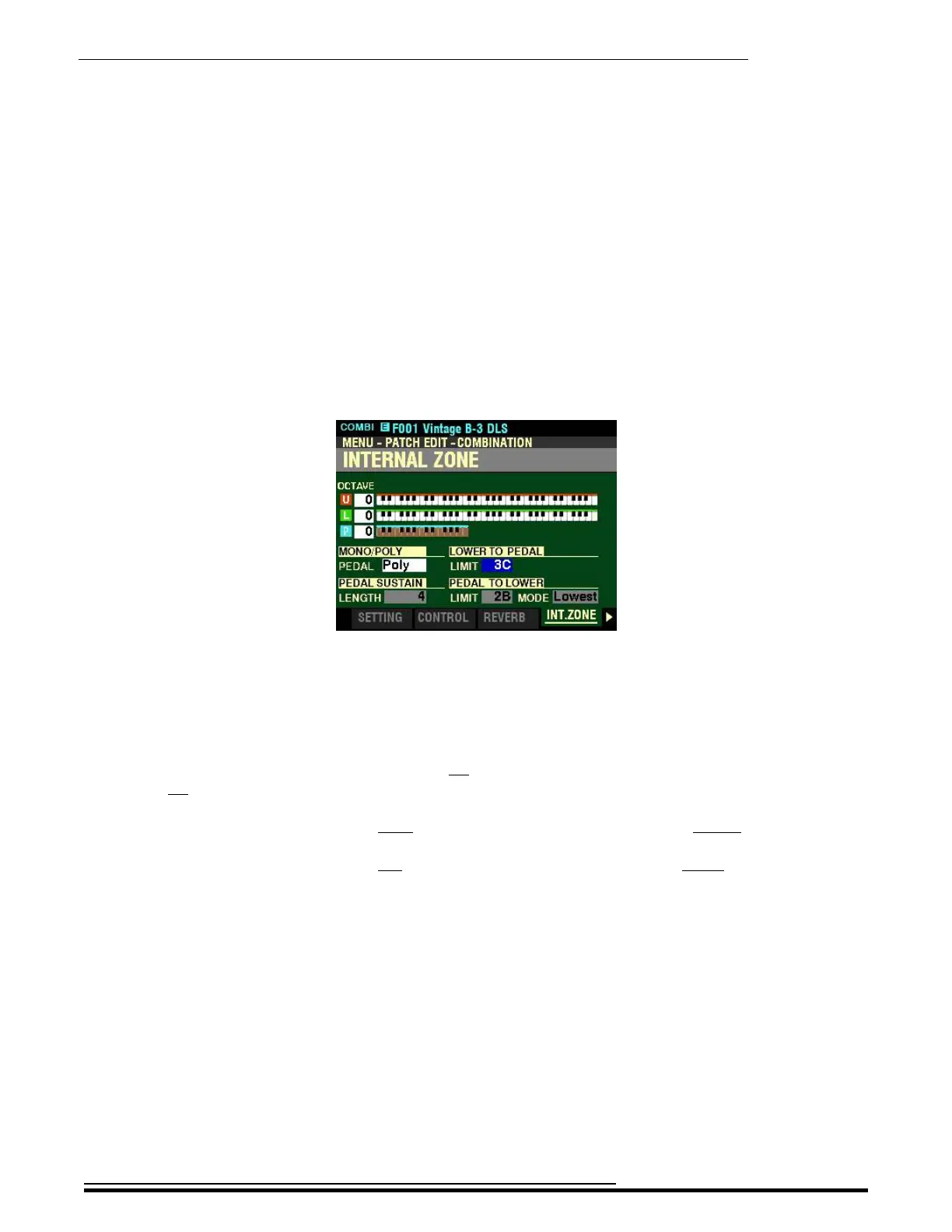
right side of the display so the Information Center Display looks like this:
The box underneath “LOWER TO PEDAL” should be highlighted.
LOWER TO PEDAL LIMIT
This Parameter allows you to set the range of the Pedal tones when LOWER TO PEDAL is “ON”
(orange LED lit). You can select from 0C (one octave below the lowest note on the keyboard) to
3C (the third “C” on the keyboard).
Turn the VALUE knob to the right to locate the LOWER TO PEDAL Limit higher.
Turn the VALUE knob to the left to locate the LOWER TO PEDAL Limit lower.
HA<O> SKX PRO Reference Guide



 To Next Page