35
Information Center Display
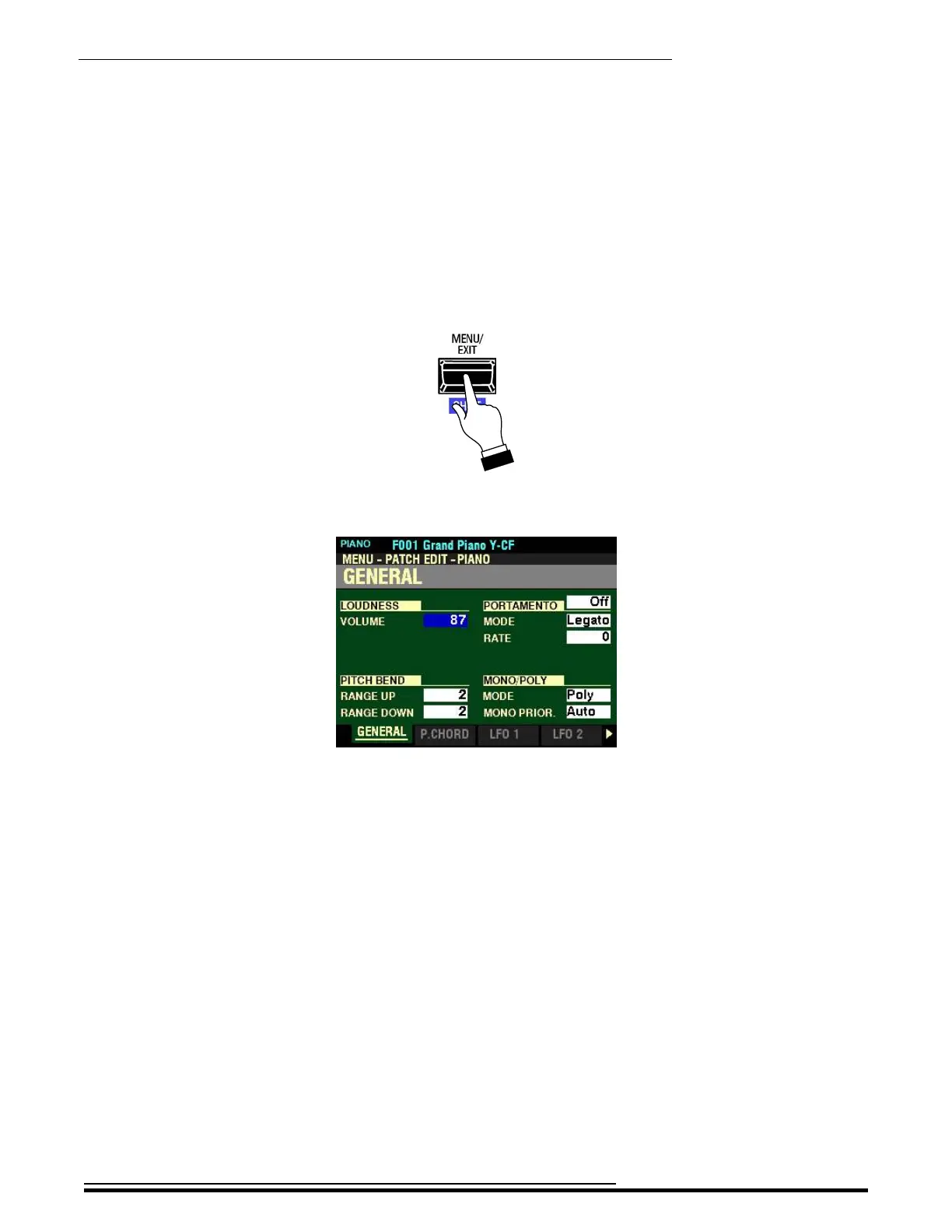
In the example on the previous pages, you have used the VALUE knob to change the value of a
Parameter by single degrees. However, there may be occasions when you want to to make changes
more rapidly. To do this:
6. Press and Hold the SHIFT button.
7. While holding the SHIFT button down, turn the VALUE knob.
Notice the value is now changing by degrees of “10.” This will enable you to adjust the values of
Parameters having a large number of choices more quickly.
u “Shortcuts”
Sometimes it may be desirable to access a FUNCTION Mode Page more quickly than can be done by using
the buttons on the Information Center Display. Because of this, your Hammond SKX PRO has what are
called “Shortcuts” to many FUNCTION Mode Pages. You can “shortcut” to a FUNCTION Mode Page
associated with a particular function by Pressing and Holding a button controlling that function.
Many, but not all, FUNCTION Mode Pages can be accessed via Shortcuts. The different methods you can
use to access a particular FUNCTION Mode Page will be explained in each section before explaining the
FUNCTION Mode Page itself.
HA<O> SKX PRO Reference Guide



 To Next Page