123
Patches
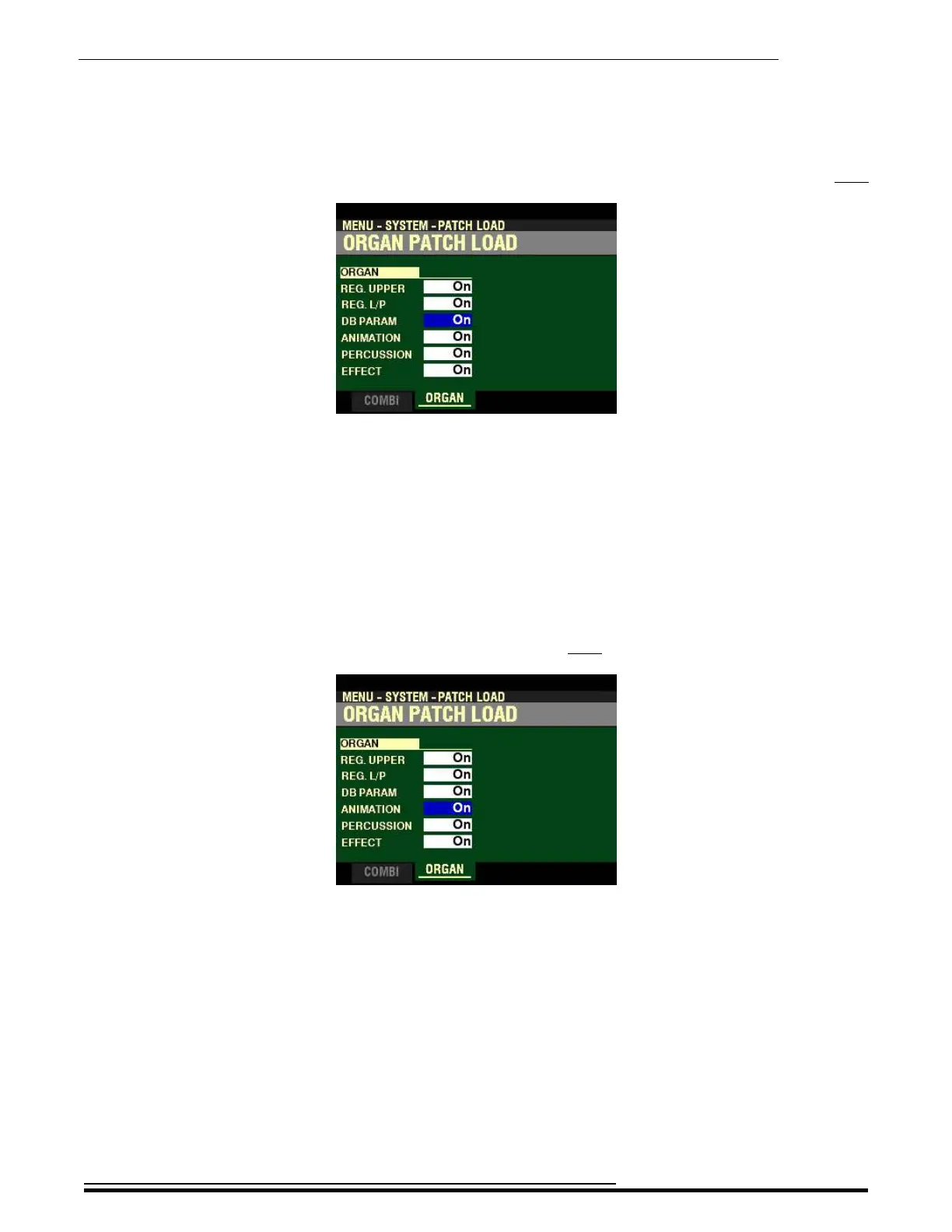
From the screen shown at the bottom of the previous page, press the DIRECTION “q” button once.
The box to the right of “DB PARAM” should be highlighted.
DB PARAM
This Parameter allows you to select whether you want the general ORGAN Section Parameters (except
Drawbar Registrations, Contact Parameters and Sustain Parameters) to change when you select an ORGAN
Patch.
Turn the VALUE knob to turn this Parameter “ON” or “OFF..”
From the above screen, press the DIRECTION “q” button once.
The box to the right of “ANIMATION” should be highlighted.
ANIMATION
This Parameter allows you to select whether you want the Animation for the ORGAN Section (Vibrato and
Chorus, Leslie, etc.) to change when you select an ORGAN Patch.
Turn the VALUE knob to turn this Parameter “ON” or “OFF..”
HA<O> SKX PRO Reference Guide



 To Next Page