468
Multi Effect 1
t Accessing the MULTI EFFECT 1 FUNCTION Mode Page for the MONO SYNTH Voice Section
using the Shortcut:
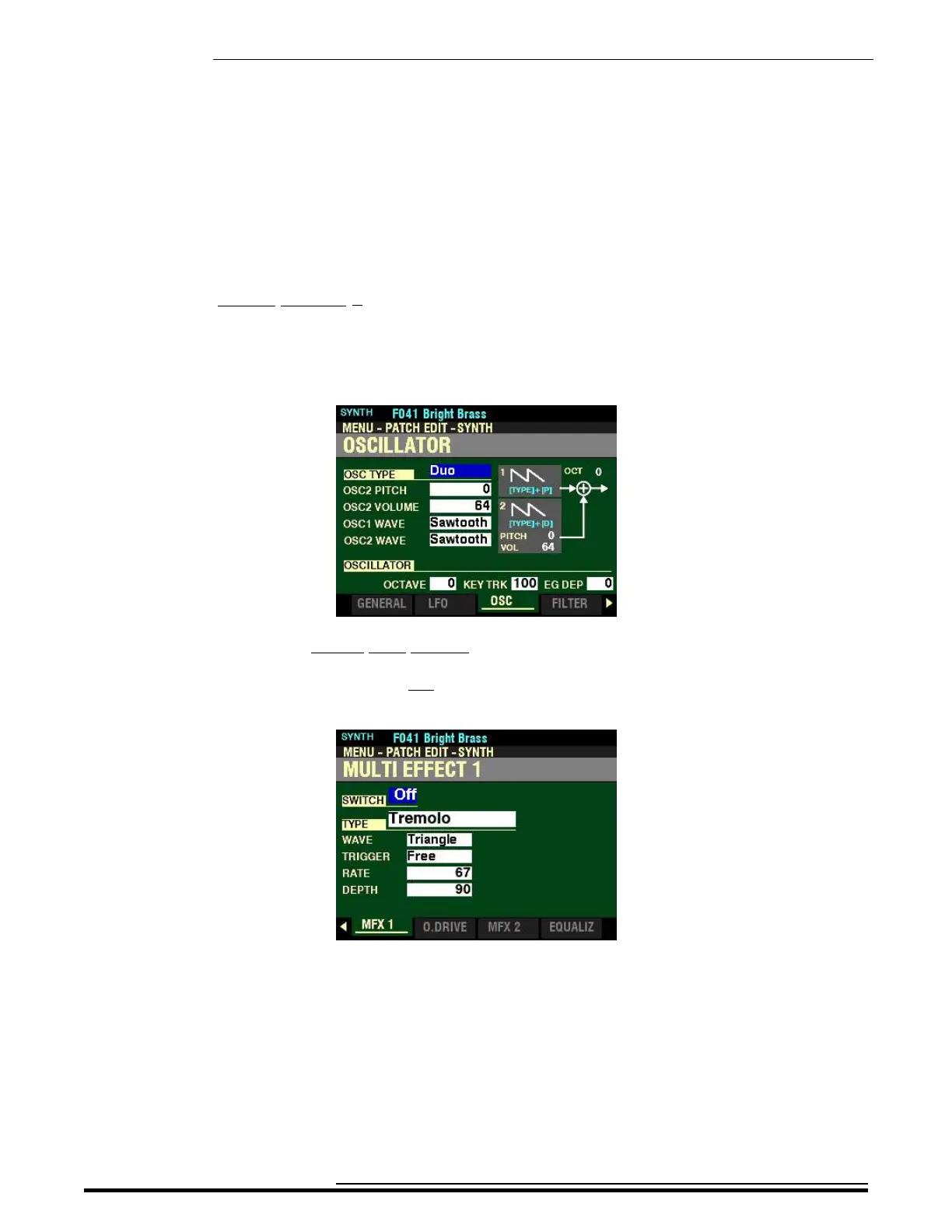
1. Press and Release the HOLD TO EDIT button in the MONO SYNTH Section. After you release
the button, the Information Center Display should look like this:
Page 3 of the PATCH EDIT -SYNTH FUNCTION Mode should now display.
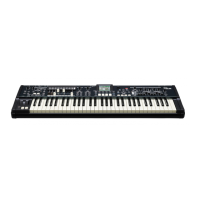
2. Press the PAGE “u” button five times. The Information Center Display should now look like
this:
HA<O> SKX PRO Reference Guide



 To Next Page