340
MONO SYNTH Voice Section
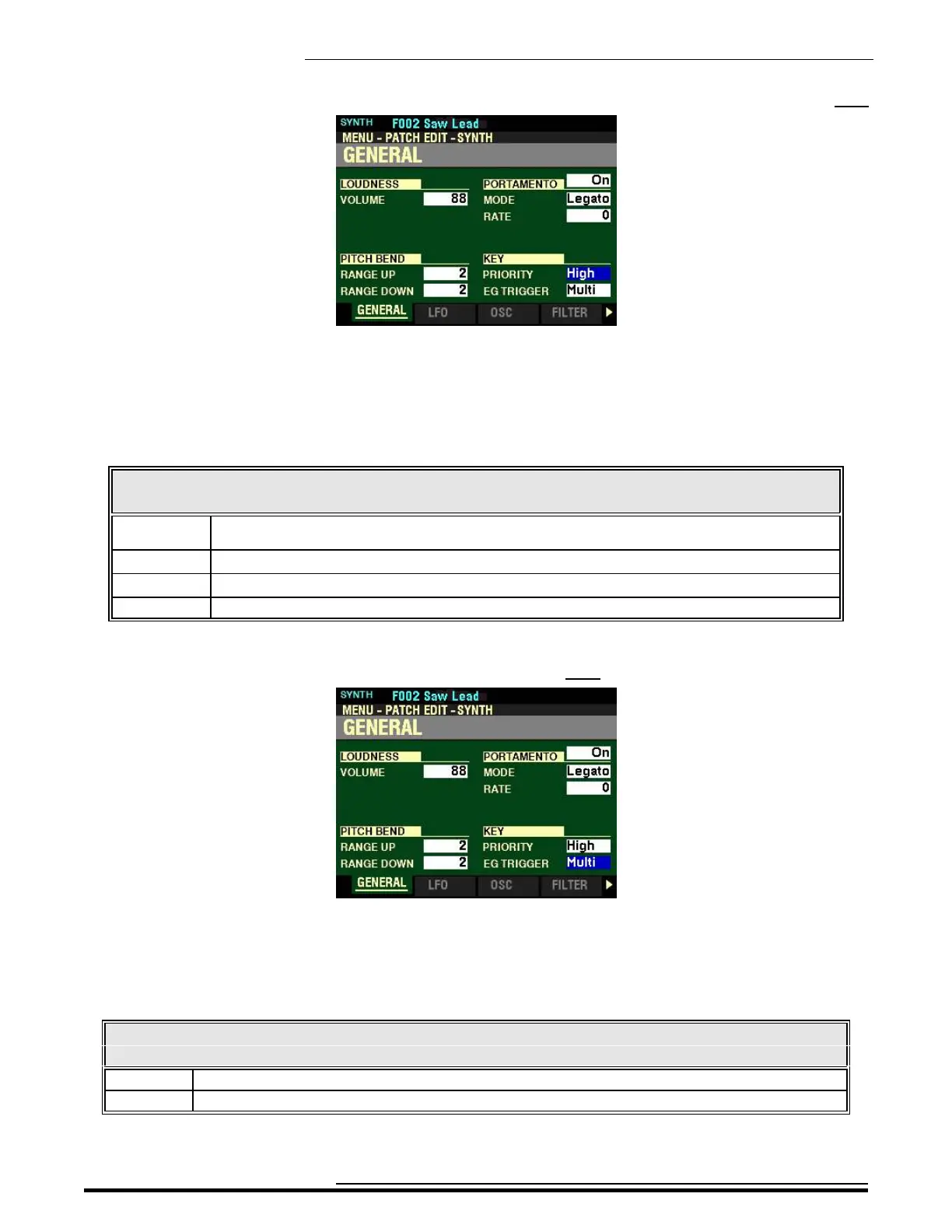
From the screen shown at the bottom of the previous page, press the DIRECTION “q” button once.
The box to the right of “PRIORITY” should be highlighted.
KEY
PRIORITY
This Parameter allows you to adjust which note will sound if more than one note is played. The data chart
below shows the options you can select.
KEY PRIORITY Settings
Parameter Description
Auto Sounds highest note played when used with other Sections. Sounds last played note when used
alone.
Last The last played note will sound
High The highest note played will sound.
Low The lowest note played will sound.
Turn the VALUE knob to make your selection.
From the above screen, press the DIRECTION “q” button once.
The box to the right of “EG TRIGGER” should be highlighted.
EG TRIGGER
This Parameter allows you to adjust whether the Envelope will reset each time a key is depressed.
The data chart below shows the options you can select.
LFO TRIGGER MODE
Parameter Description
Single The LFO of each note oscillates individually. Each LFO will start its cycle when a key is depressed.
Multi Pressing a key will intercept the LFO at whatever point it happens to be in its cycle.
Turn the VALUE knob to make your selection.
HA<O> SKX PRO Reference Guide



 To Next Page