20
Information Center Display
u DISPLAY MODES
As stated in the INTRODUCTION, there are three Display Modes - PLAY Mode, MENU Mode and
FUNCTION Mode.
Within the PLAY Mode are five screens - COMBINATION Display, ORGAN Patch Display, PIANO Patch
Display, ENSEMBLE Patch Display and MONO SYNTH Patch Display. These will be explained starting
below.
After the power to the SKX PRO has been turned “ON,” the Information Center Display should show a
screen similar to this:
While this screen is displaying, you will see a status bar which will scroll from left to right as the system
software loads. After approximately 35 seconds, the Information Center Display will show a screen similar
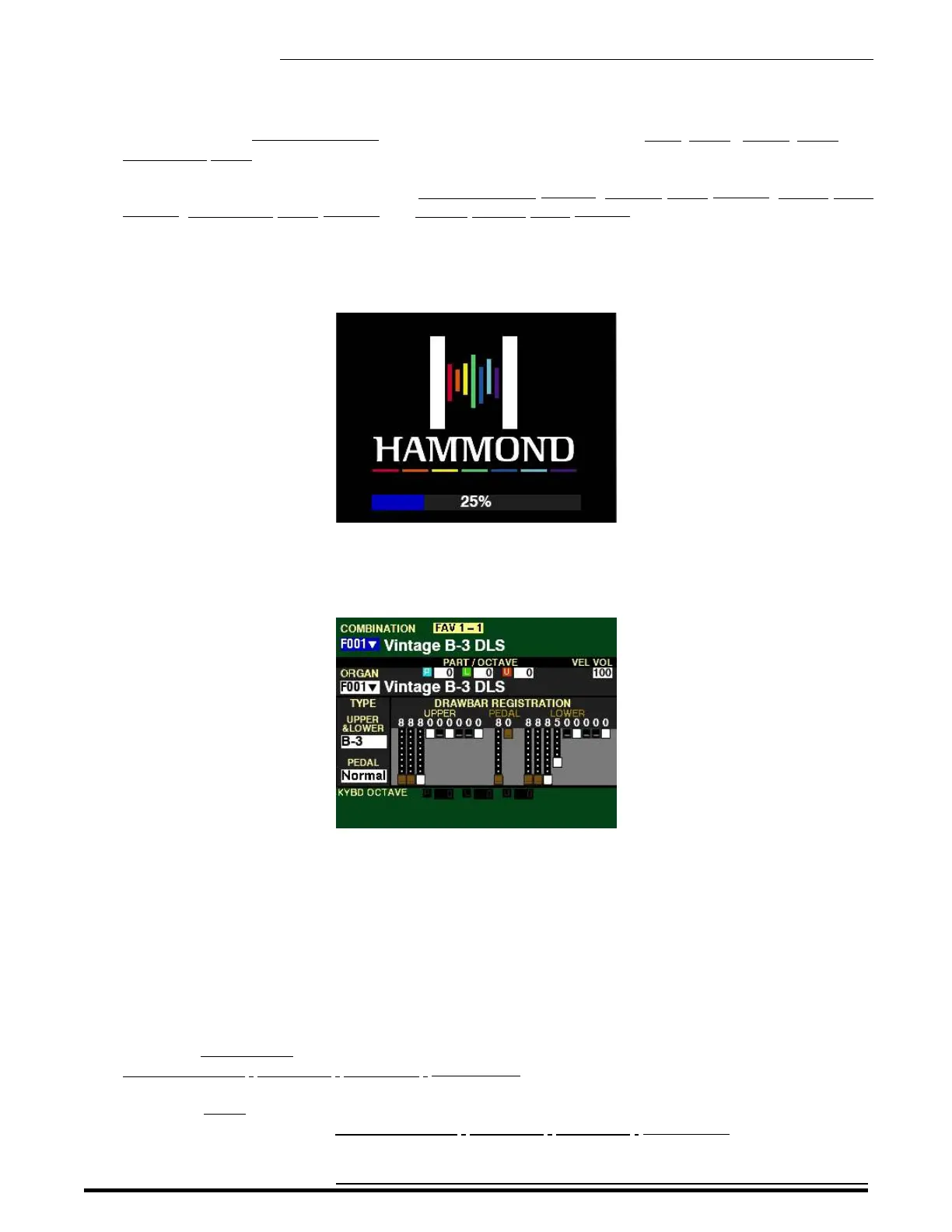
to this:
This screen will show:
1. The Favorite Number and Favorite Bank Number,
2. The Combination Number and Name,
3. The Part, Octave and Volume settings for the ORGAN Section,
4. The name and number of the ORGAN Patch,
5. Drawbar registrations shown both graphically and numerically,
6. The Organ Types for UPPER, LOWER and PEDAL ,
7. The KEYBOARD OCTAVE settings.
NOTE: A Combination is a preregistered group of Patches and effects. More information can be found in the
COMBINATIONS / PATCHES / BUNDLES / FAVORITES chapter of this Guide starting on page 52.
NOTE: A Patch is a preregistered group of sounds and effects unique to a particular Voice Section. More
information can be found in the COMBINATIONS / PATCHES / BUNDLES / FAVORITES chapter of this Guide
starting on page 105.
HA<O> SKX PRO Reference Guide



 To Next Page