608
MIDI
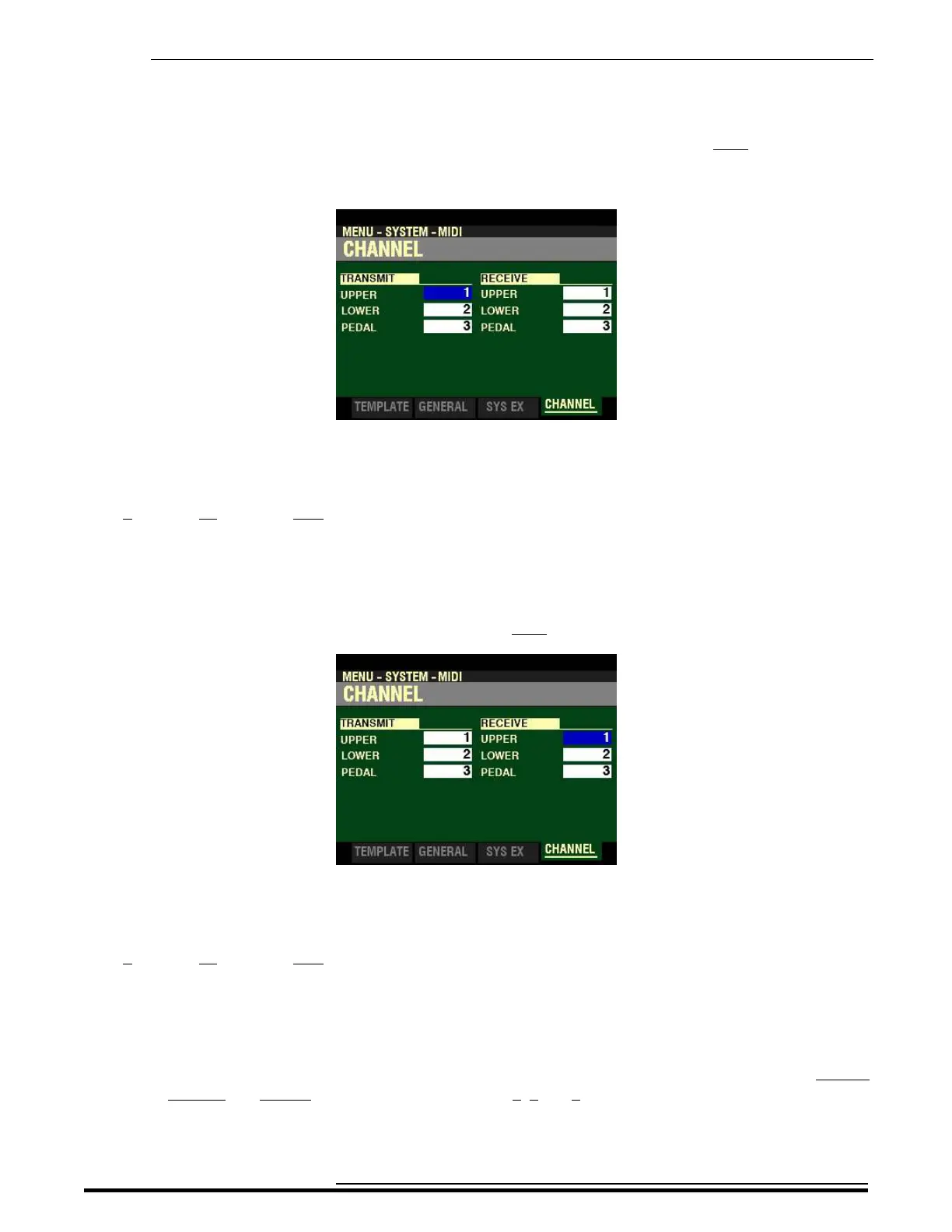
From the screen shown at the bottom of page 606, press the PAGE “u” button once. The CHANNEL
FUNCTION Mode Page should now display.
MIDI TRANSMIT - INTERNAL ZONES
This Menu Page allows you to select on which MIDI Channel each Part will transmit. You can select from
1 through 16 as well as OFF.
Use the PAGE “t” and “u” buttons to move back and forth among UPPER, LOWER and PEDAL.
Turn the VALUE knob to make your selection.
From the above screen, press the PAGE “u” button once.
MIDI RECEIVE - INTERNAL ZONES
This Menu Page allows you to select on which MIDI Channel each Part will receive. You can select from
1 through 16 as well as OFF.
Use the DIRECTION “p” and “q” buttons to move up and down among UPPER, LOWER and PEDAL.
Turn the VALUE knob to make your selection.
NOTE: As explained previously, Hammond’s standard protocol is to transmit and receive UPPER,
LOWER and PEDAL MIDI data on MIDI Channels 1, 2 and 3 respectively.
HA<O> SKX PRO Reference Guide



 To Next Page