525
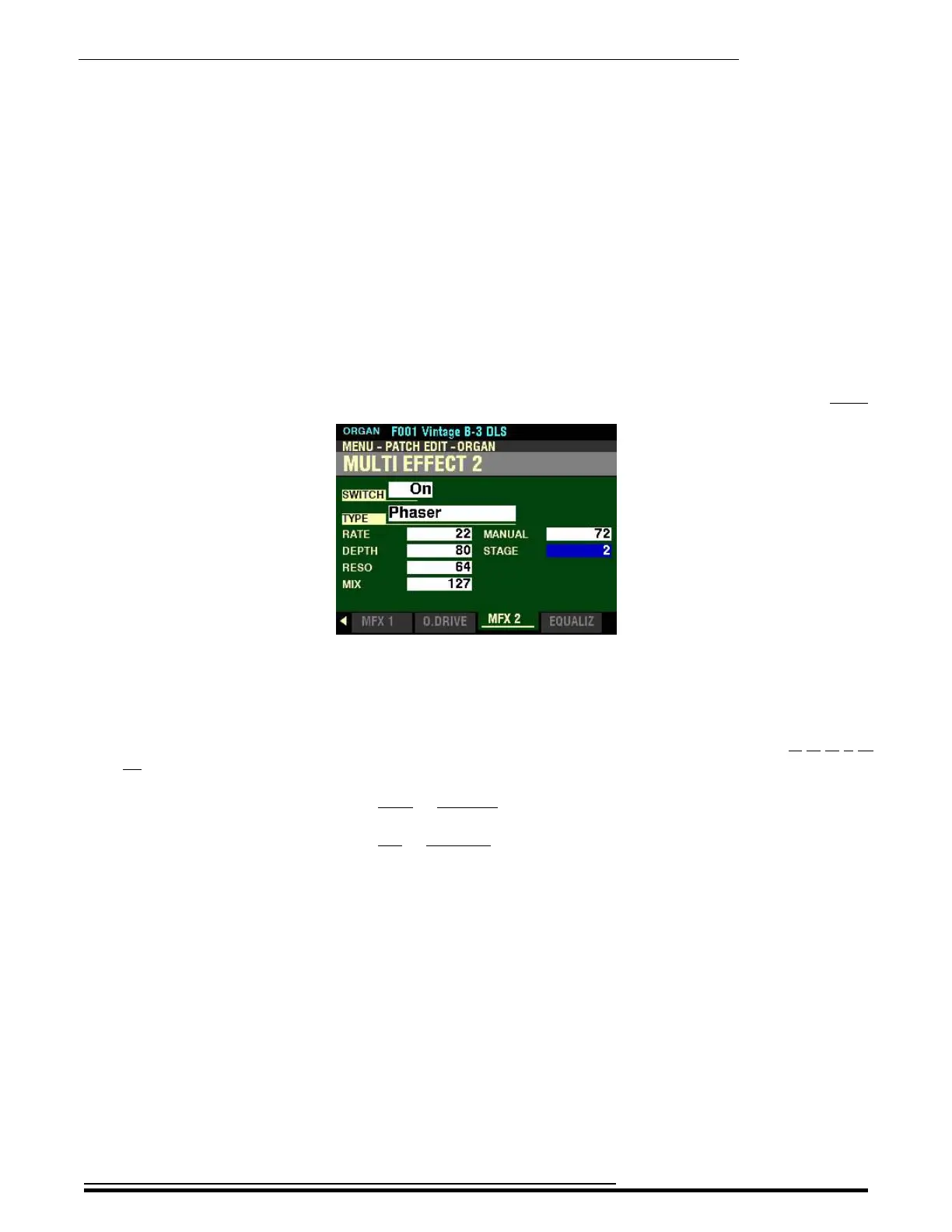
Multi Effect 2
From the screen shown at the bottom of the previous page press the DIRECTION “q” button once.
The box to the right of “STAGE” should be highlighted.
STAGE
This Parameter allows you to adjust the complexity or “stage” of the phasing. You can select, 2, 4, 6, 8 or
10. A higher value creates more complex effects.
Turn the VALUE knob to the right to increase the amount of Staging.
Turn the VALUE knob to the left to decrease the amount of Staging.
HA<O> SKX PRO Reference Guide



 To Next Page