77
Combinations
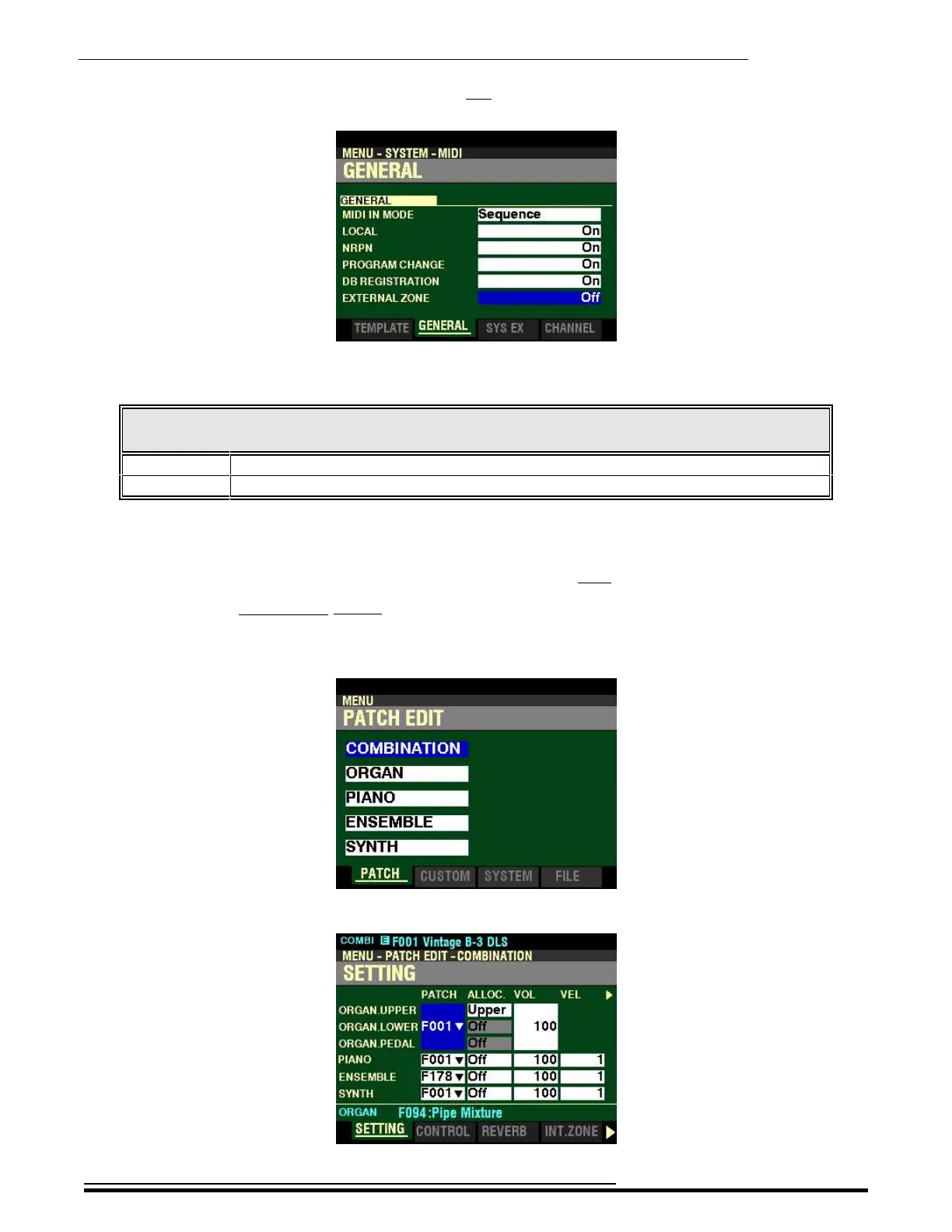
6. Press the DIRECTION “q” button five times. The Information Center Display should now
look like this:
This is the Master Parameter which allows you to select whether to transmit External Zone data. The
data chart below shows the options you can select.
MIDI EXTERNAL ZONE Options
Parameter Description
Off No External Zone data is transmitted.
On External Zone data will be transmitted to a connected MIDI device.
Turn the VALUE knob to make your selection. To allow MIDI data transmission from the External
Zones, turn this Parameter “ON.”
NOTE: Both Internal and External Zones are also covered in the MIDI chapter of this Guide.
Accessing the EXTERNAL ZONE FUNCTION Mode Page using the MENU/EXIT button:
1. From any of the PLAY Mode Pages, press the MENU/EXIT button. The Information Center
Display should now look like this:
2. Press the ENTER button. The Information Center Display should now look like this:
HA<O> SKX PRO Reference Guide



 To Next Page